

CIBC: How To Get Your Cash Back On A CIBC Dividend Card

How to redeem cash back to reduce your credit card balance
Have you signed up for a CIBC Dividend Credit Card and received a welcome bonus of several hundred dollars?
Here’s how to redeem cash back on a CIBC Dividend Visa Card.
Redeem cash back in 4 clicks
First, log in to your CIBC Online Banking profile.
The exchange can be done at any time during the year and it is not necessary to wait until the statement is issued to do so. The only requirement is a balance of at least $10.
On the Operations tab, click on Redeem Now.
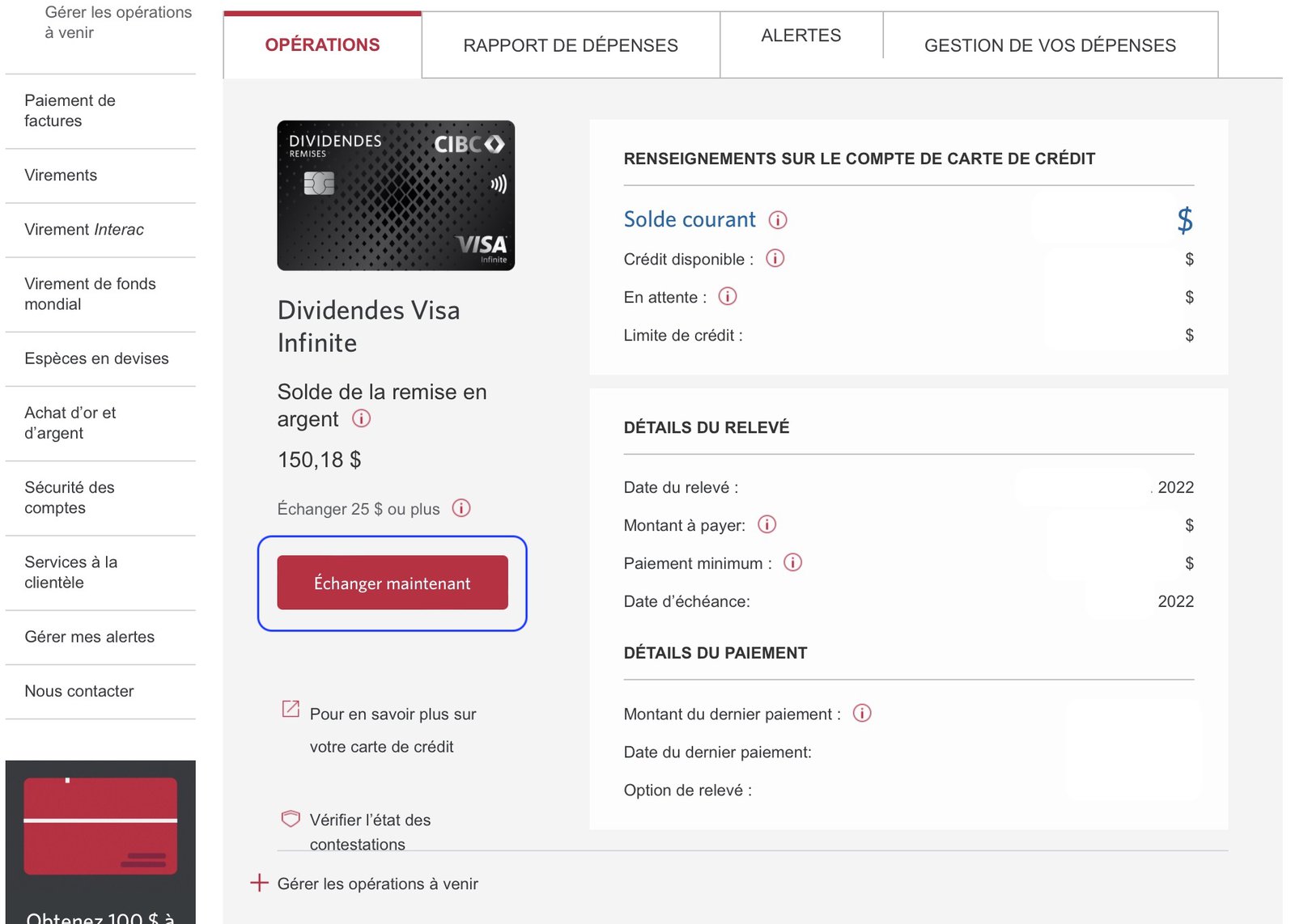
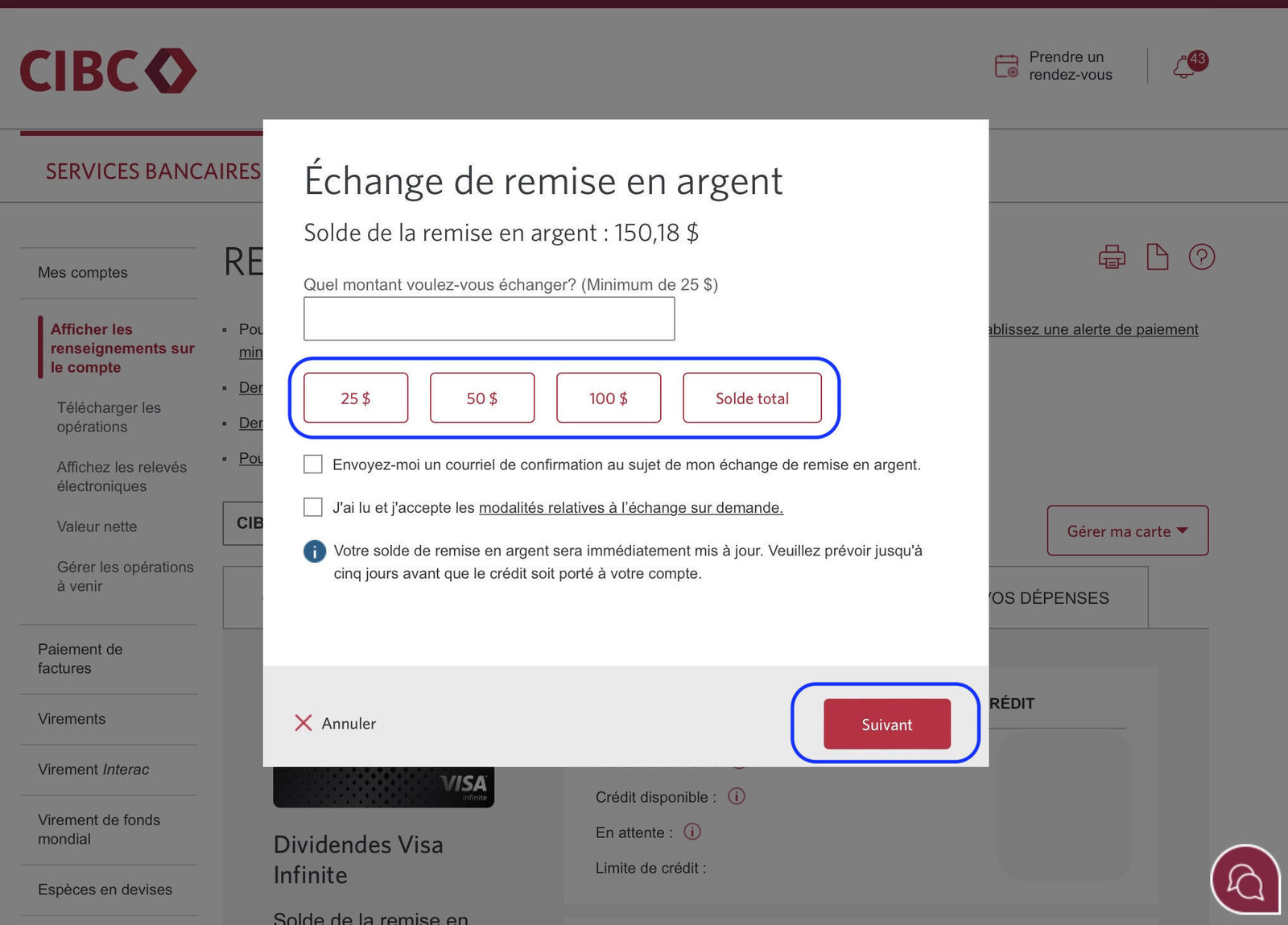
A window will open to enter the amount to be redeemed. Select the desired amount and click on Next.
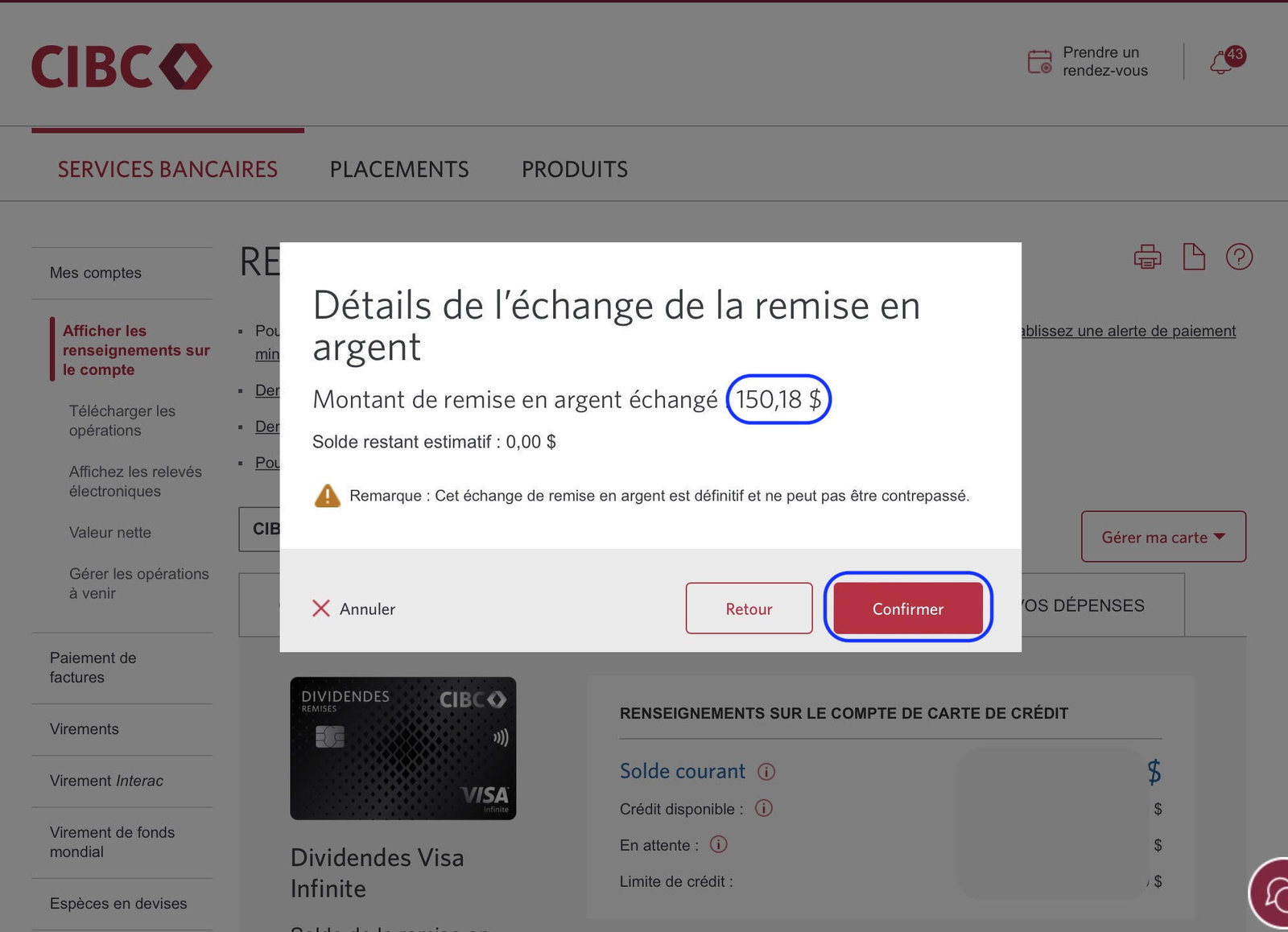
CIBC then wants confirmation of the amount redeemed, showing the remaining balance. All that remains is to click on Confirm.
Congratulations!
The CIBC Cash Back redemption transaction is confirmed. Thanks to this, I’ll have $150 less to pay on my CIBC credit card balance.
Also, a confirmation email will be sent within minutes.
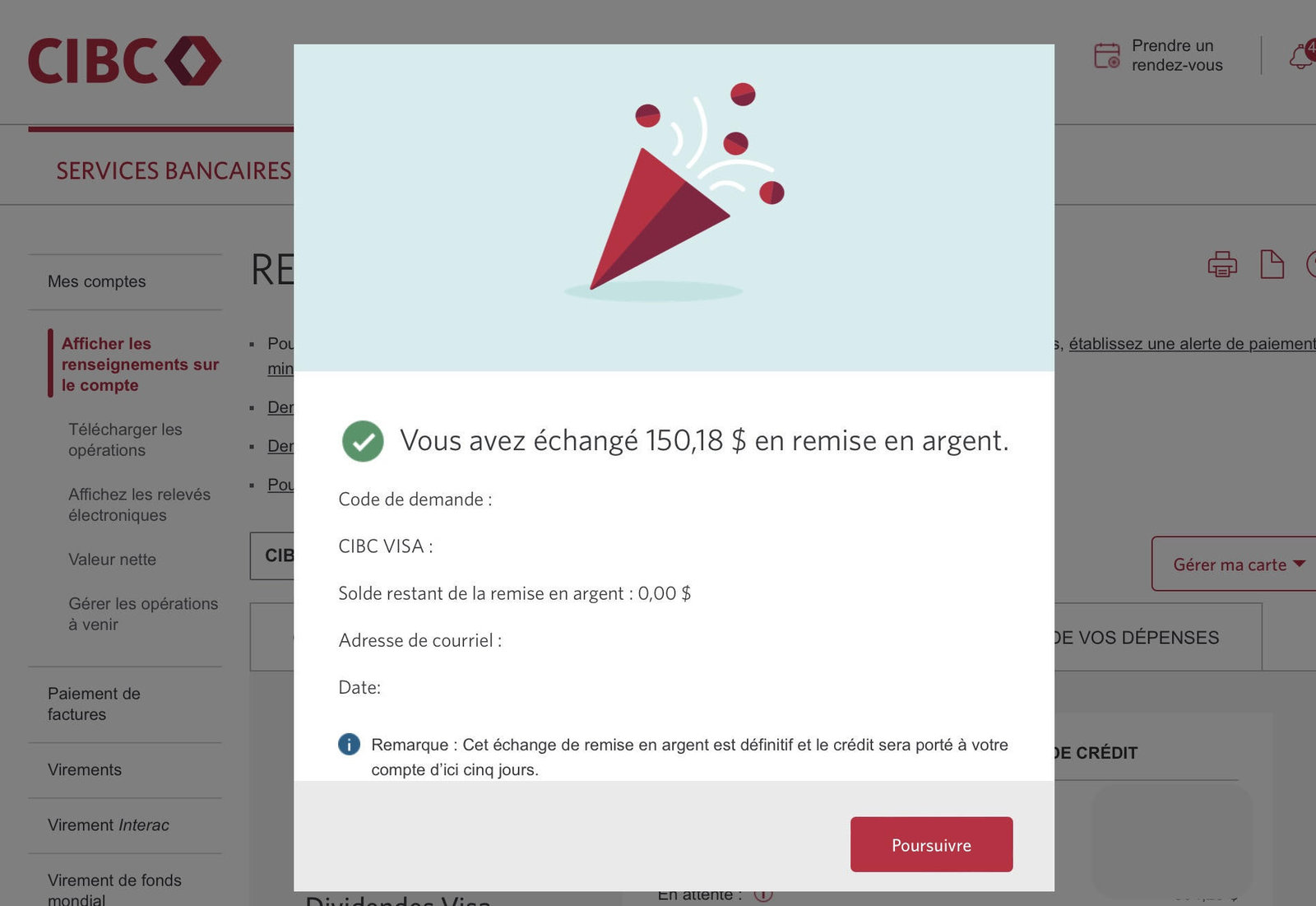
Your cash back redemption is then credited to your account within five days. But in my experience, it is quite fast with one to two days delay.
It may be slower if there are upcoming holidays.
CIBC Dividend Cash Back Credit Cards
There are four CIBC credit cards that offer cash back:
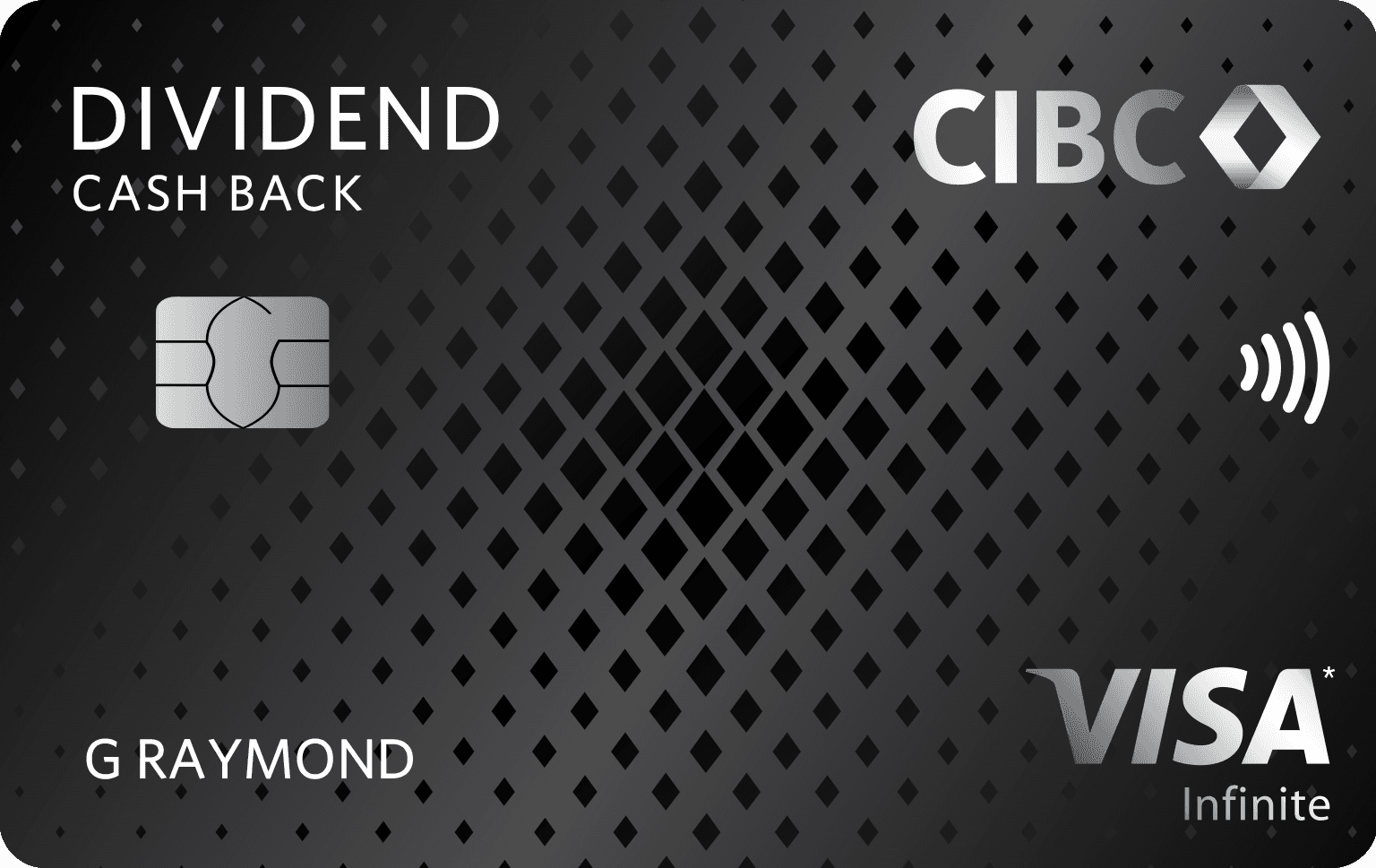
- CIBC Dividend® Visa Infinite* Card*
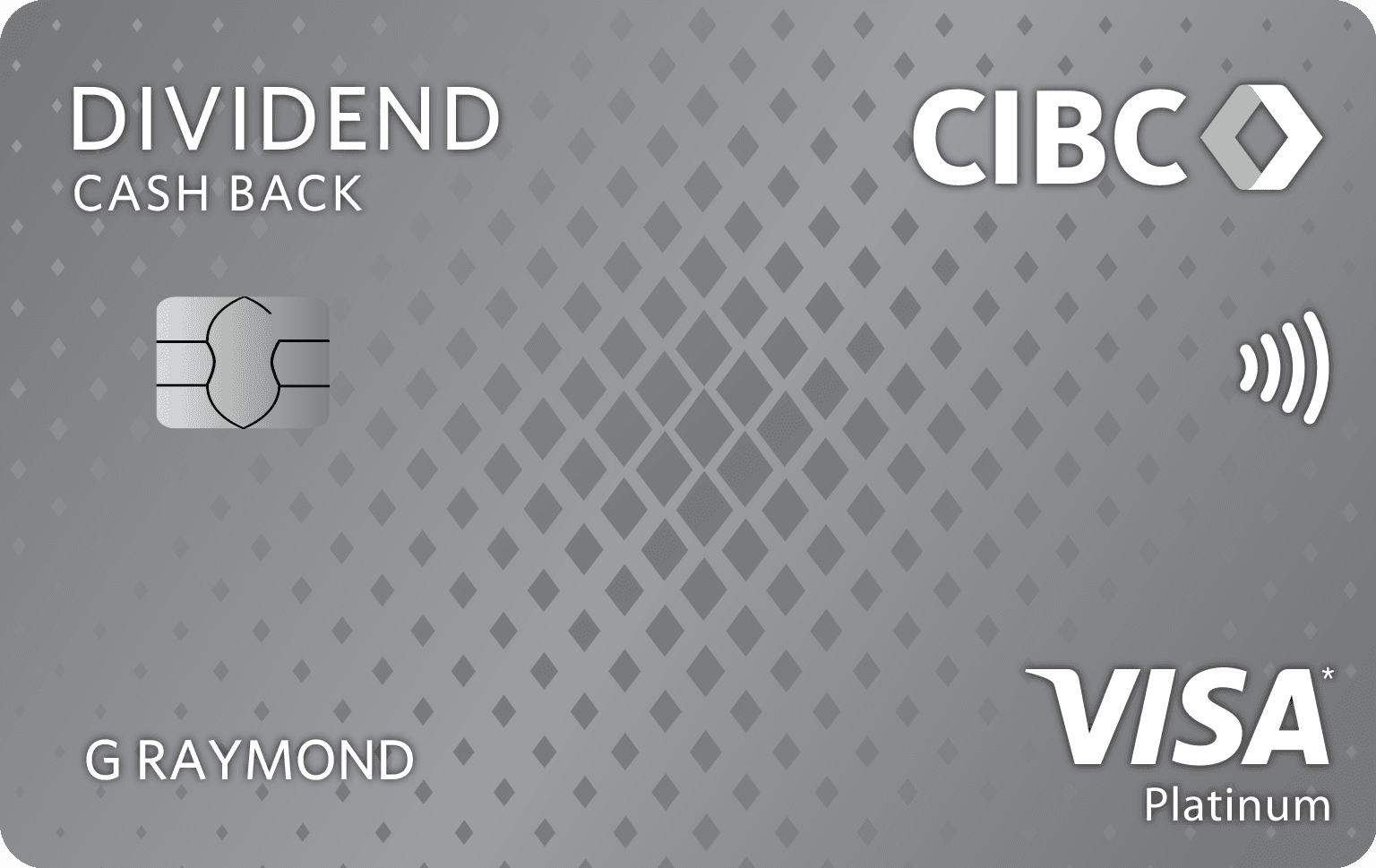
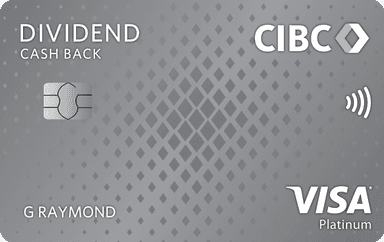
- CIBC Dividend Platinum® Visa* Card*
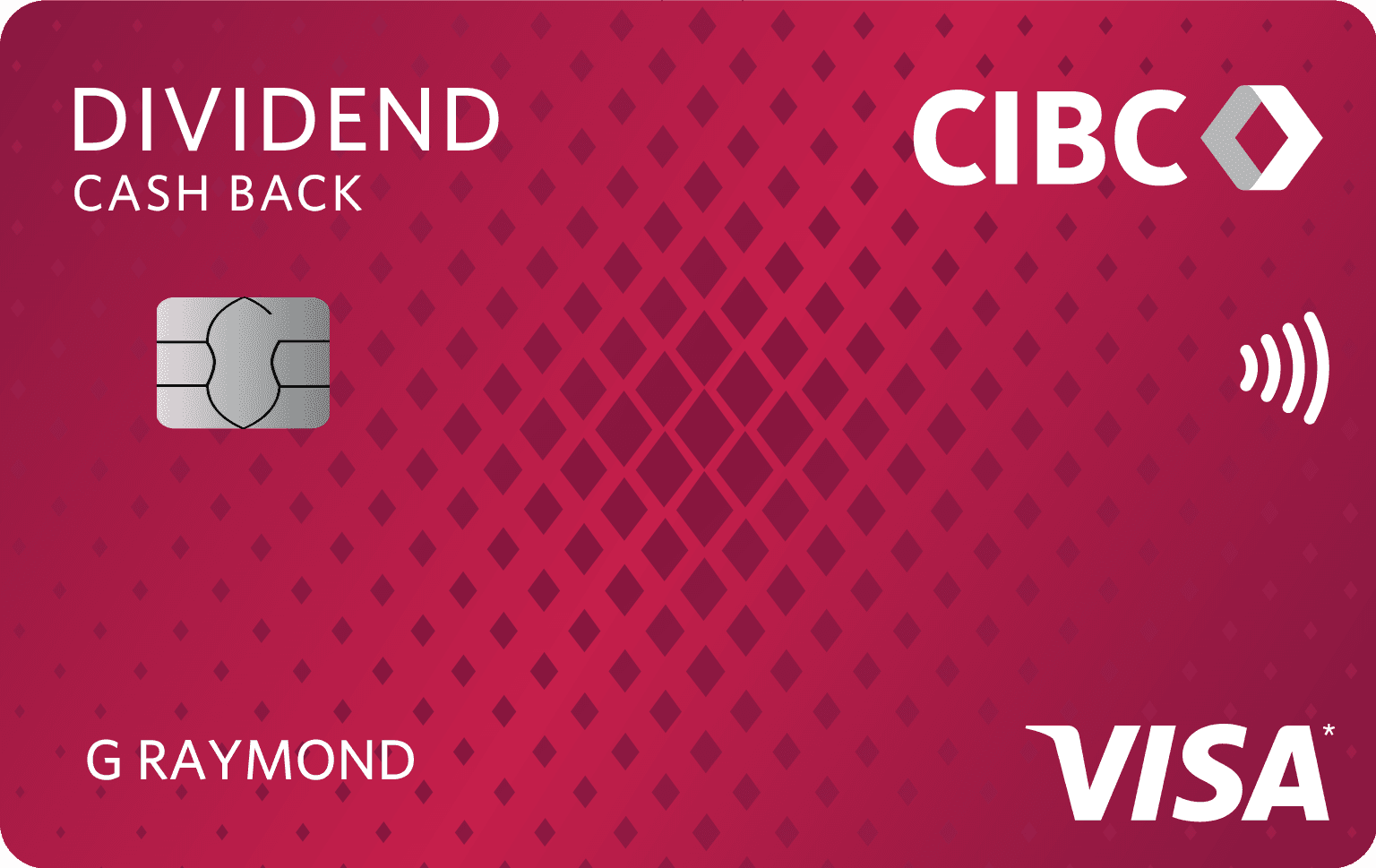
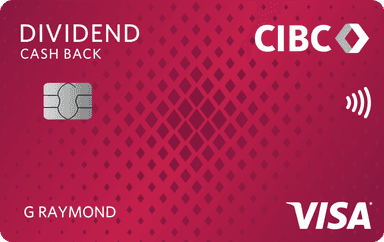
- CIBC Dividend Visa* Card
- CIBC Dividend Visa* Card for Students
Carte Dividendes CIBCMD Visa Infinite*
La Carte Dividendes CIBCMD Visa Infinite* est l’une des meilleures cartes de crédit Visa avec remise en argent au Canada.
Avec cette offre, obtenez une valeur pouvant aller jusqu’à 400 $ :
- Une prime de bienvenue de 10 % en remise en argent pouvant aller jusqu’à 250 $ (4 premiers relevés)
- Une remise en argent de 50 $ à l’établissement d’un paiement préautorisé (4 premiers mois)
- Un remboursement des frais annuels de la première année (valeur de 120 $)
Avec cette carte de crédit CIBC avec remise en argent, vous obtenez :
- 4 % de remise en argent sur les achats d’essence, de recharge de véhicule électrique et d’épicerie admissibles†
- 2 % de remise en argent sur les achats de transport et de restauration admissibles et sur les paiements périodiques admissibles†
- 1 % de remise en argent sur tous les autres achats†
Par exemple, si vous dépensez 1 000 $ par mois pour des achats d’épicerie et/ou d’essence et/ou de recharge de véhicule électrique, vous obtiendrez 40 $ de remise en argent par mois, soit 480 $ de remise en argent par an avec cette carte pour cette catégorie d’achats!
Cette carte de crédit CIBC avec remise en argent offre de nombreuses couvertures d’assurance :
- Assurance collision/dommages pour les véhicules de location
- 500 000 $ d’assurance-accident pour les transporteurs publics
- Assurance médicale de voyage en cas d’urgence hors de la province
- Assurance pour les achats et garantie prolongée

- Annual fee
- $0 $120No annual fee the first year
- No annual fee the first year
- Our valuation
- $370Milesopedia first-year estimate First-year valueWelcome bonus$250Annual fee rebated$120Total$370Rewards on your spending are not included. The calculator that adds them from your own profile is on the card's page.
- Milesopedia first-year estimateFirst-year valueWelcome bonus$250Annual fee rebated$120Total$370Rewards on your spending are not included. The calculator that adds them from your own profile is on the card's page.
- Welcome offer
- Up to $250
- + First Year Annual Fee Rebate
on CIBC's website
Carte Dividendes Platine CIBCMD Visa*
Si vous ne répondez pas aux exigences de revenu de la Carte Dividendes CIBCMD Visa Infinite*, vous pourriez demander la Carte Dividendes Platine CIBCMD Visa*. Le revenu annuel minimum requis pour cette carte est de 15 000 $ (familial).
Avec cette offre, obtenez une valeur pouvant aller jusqu’à 400 $ :
- Une prime de bienvenue de 10 % en remise en argent pouvant aller jusqu’à 250 $ (4 premiers relevés)
- Une remise en argent de 50 $ à l’établissement d’un paiement préautorisé (4 premiers mois)
- Un remboursement des frais annuels de la première année (valeur de 99 $)
Avec la Carte Dividendes Platine CIBCMD Visa*, vous obtenez :
- 3 % sur les achats d’essence, de recharge de véhicule électrique et d’épicerie admissibles†
- 2 % de remise en argent sur les achats de transport et de restauration admissibles et sur les paiements périodiques admissibles†
- 1 % de remise en argent sur tous les autres achats†
Et cette carte de crédit CIBC avec remise en argent offre certaines couvertures d’assurance :
- Assurance collision/dommages pour les véhicules de location
- 500 000 $ d’assurance-accident pour les transporteurs publics
- Assurance pour les achats et garantie prolongée
- Annual fee
- $0 $99No annual fee the first year
- No annual fee the first year
- Our valuation
- $399Milesopedia first-year estimate First-year valueWelcome bonus$300Annual fee rebated$99Total$399Rewards on your spending are not included. The calculator that adds them from your own profile is on the card's page.
- Milesopedia first-year estimateFirst-year valueWelcome bonus$300Annual fee rebated$99Total$399Rewards on your spending are not included. The calculator that adds them from your own profile is on the card's page.
- Welcome offer
- Up to $300
- + First Year Annual Fee Rebate
on CIBC's website
Carte Dividendes CIBCMD Visa*
La Carte Dividendes CIBCMD Visa* est l’une des meilleures cartes de crédit Visa sans frais avec remise en argent au Canada.
Pendant un temps limité, obtenez 5 % de remise en argent jusqu’à concurrence de 100 $ lors de la période couverte par vos 4 premiers relevés mensuels.
De plus, obtenez :
- 2 % de remise en argent sur les achats d’épicerie admissibles†
- 1 % de remise en argent sur les achats d’essence, de recharge de véhicule électrique, de transport et de restauration admissibles et sur les paiements récurrents admissibles†
- 0,5 % de remise en argent sur tous les autres achats†
Cette carte de crédit CIBC sans frais annuels offre certaines couvertures d’assurance :
- Assurance pour les achats et garantie prolongée
- Annual fee
- $0
- Our valuation
- $100Milesopedia first-year estimate First-year valueWelcome bonus$100Total$100Rewards on your spending are not included. The calculator that adds them from your own profile is on the card's page.
- Milesopedia first-year estimateFirst-year valueWelcome bonus$100Total$100Rewards on your spending are not included. The calculator that adds them from your own profile is on the card's page.
- Welcome offer
- Up to $100
on CIBC's website
Carte Dividendes CIBCMD Visa* pour étudiants
La Carte Dividendes CIBCMD Visa* pour étudiants est l’une des meilleures cartes de crédit Visa pour étudiants avec remise en argent au Canada. Souscrivez à la carte et recevez jusqu’à 125 $ de remise en argent.
Avec cette carte de crédit CIBC pour étudiants, vous obtenez :
- 2 % de remise en argent sur les achats d’épicerie admissibles†
- 1 % de remise en argent sur les achats d’essence, de recharge de véhicule électrique, de transport et de restauration admissibles et sur les paiements récurrents admissibles†
- 0,5 % de remise en argent sur tous les autres achats†
De plus, avec cette carte de crédit CIBC pour étudiants, vous bénéficiez d’une adhésion gratuite à SPC, pour économiser instantanément lorsque vous effectuez plus de 450 transactions en magasin et en ligne.
Et cette carte de crédit CIBC pour étudiants offre certaines couvertures d’assurance :
- Assurance pour les achats et garantie prolongée
- Annual fee
- $0
- Our valuation
- $125Milesopedia first-year estimate First-year valueWelcome bonus$125Total$125Rewards on your spending are not included. The calculator that adds them from your own profile is on the card's page.
- Milesopedia first-year estimateFirst-year valueWelcome bonus$125Total$125Rewards on your spending are not included. The calculator that adds them from your own profile is on the card's page.
- Welcome offer
- Up to $125
on CIBC's website
Bottom Line
Read our tip for using this CIBC Dividend Card at Costco here!
| Credit card | Annual fee | Welcome offer | |
|---|---|---|---|
| $0 | |||
| $0 | |||
| $0 | |||
| $0 |
Our featured card
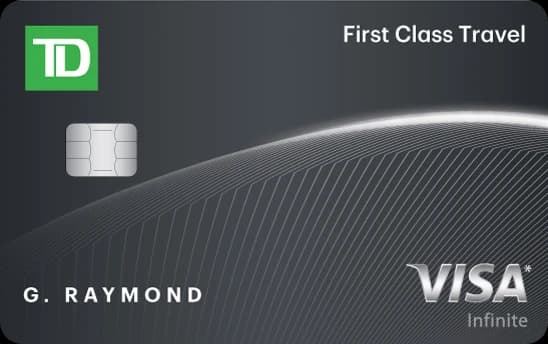
- Annual fee
- $0 $139No annual fee the first year
- No annual fee the first year
- Our valuation
- $939Milesopedia first-year estimate First-year valueWelcome bonus$800Annual fee rebated$139Total$939Rewards on your spending are not included. The calculator that adds them from your own profile is on the card's page.
- Milesopedia first-year estimateFirst-year valueWelcome bonus$800Annual fee rebated$139Total$939Rewards on your spending are not included. The calculator that adds them from your own profile is on the card's page.
- Welcome offer
- Up to 160,000 points
- + First Year Annual Fee Rebate
on TD's website
Our editorial integrity
Our reviews and rankings are based on an objective assessment. Advertisers do not influence our content. We may receive compensation through some links; our analysis and opinions remain independent.