How to Redeem PC Optimum Points

Loading article…
Redeeming PC Optimum points is easy thanks to the thousands of stores across Canada that participate in the PC Optimum loyalty program.
In this guide, we’ll show you how to redeem your PC Optimum points a few different ways to make sure you understand all of your redemption options.
You can redeem your PC Optimum points the following ways:
Now, let’s look at step-by-step instructions to see just how simple the redemption process is!
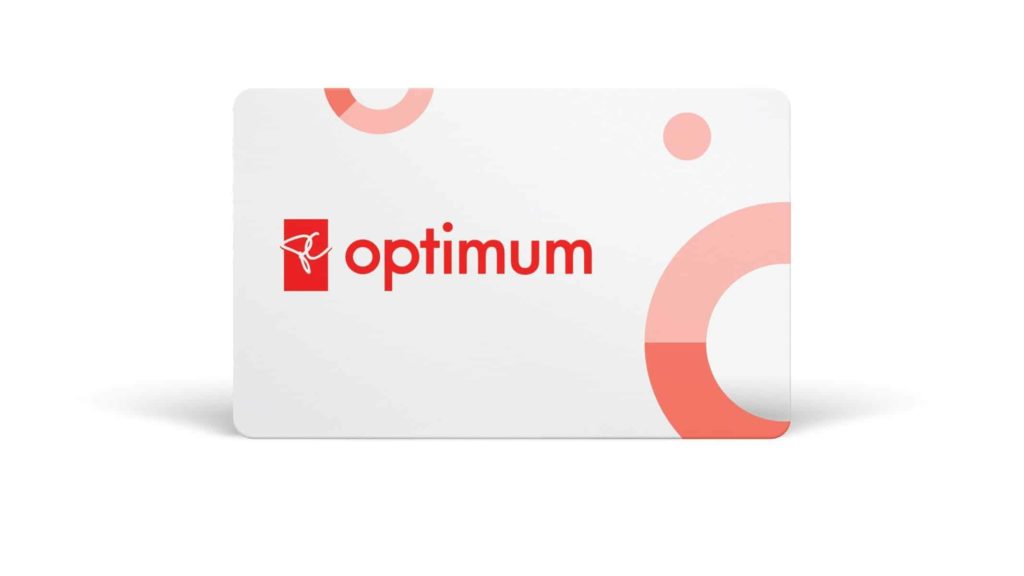
You can redeem your PC Optimum points in person at participating Shoppers Drug Marts, Pharmaprix, Esso, Joe Fresh stores, and Loblaws-brand grocery stores (like Loblaws, Maxi, No Frills, and many more).
To redeem, simply follow these steps:
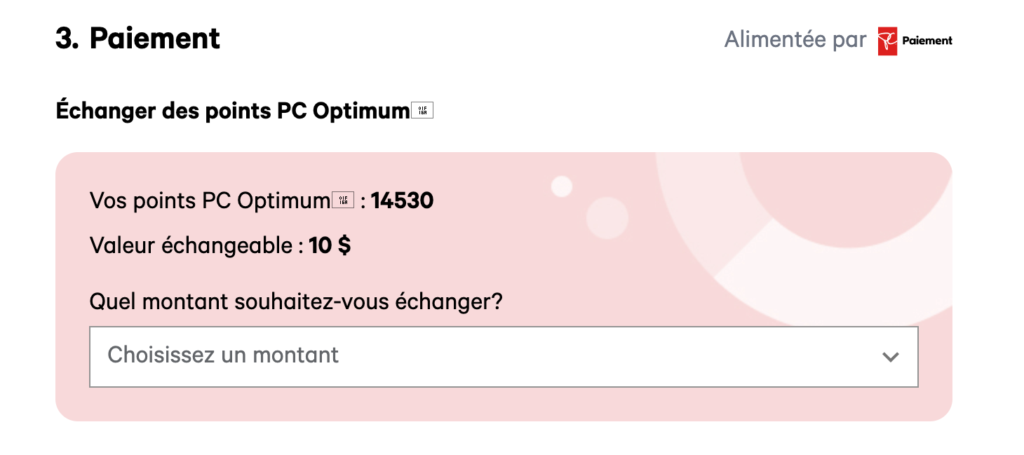
You can also redeem your PC Optimum points online at participating websites like JoeFresh.ca, Shoppers Drug Mart and Pharmaprix websites, and PC Express.
To use your points for an online transaction, just follow these steps:
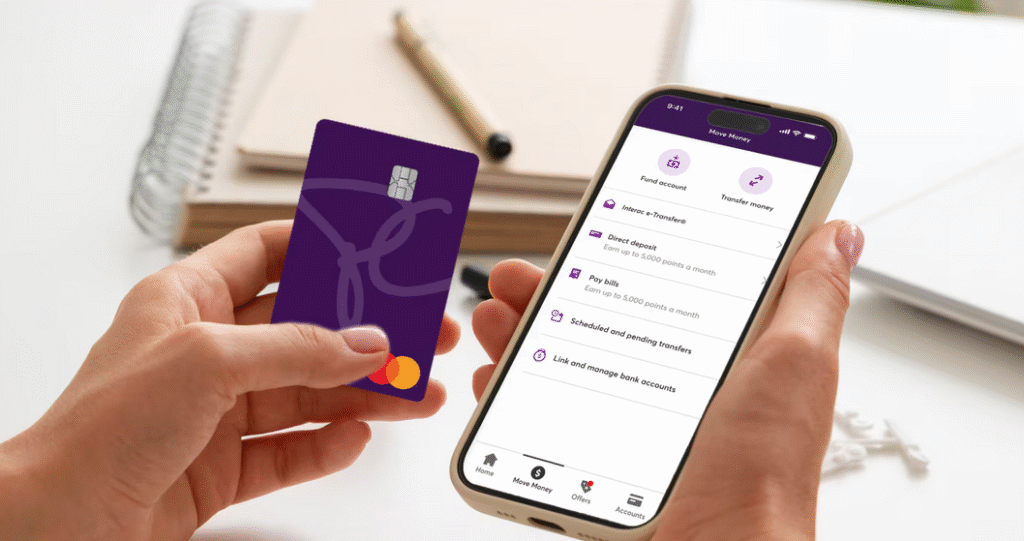
In order to redeem your PC Optimum points for a statement credit, you first need to be a PC Financial credit card holder.
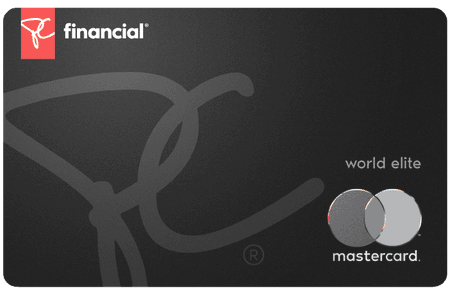
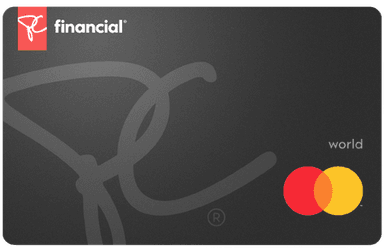
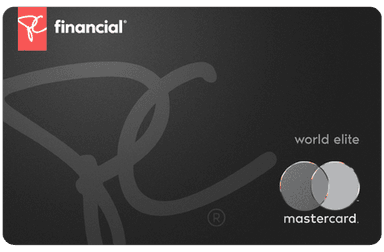
If you have the PC® Mastercard®, PC® World Mastercard®, the PC® World Elite Mastercard®, or the PC Insiders™ World Elite Mastercard®, you can redeem 10,000 PC Optimum points for a $7 statement credit.
on PC Financial's website
To do so, follow these steps:
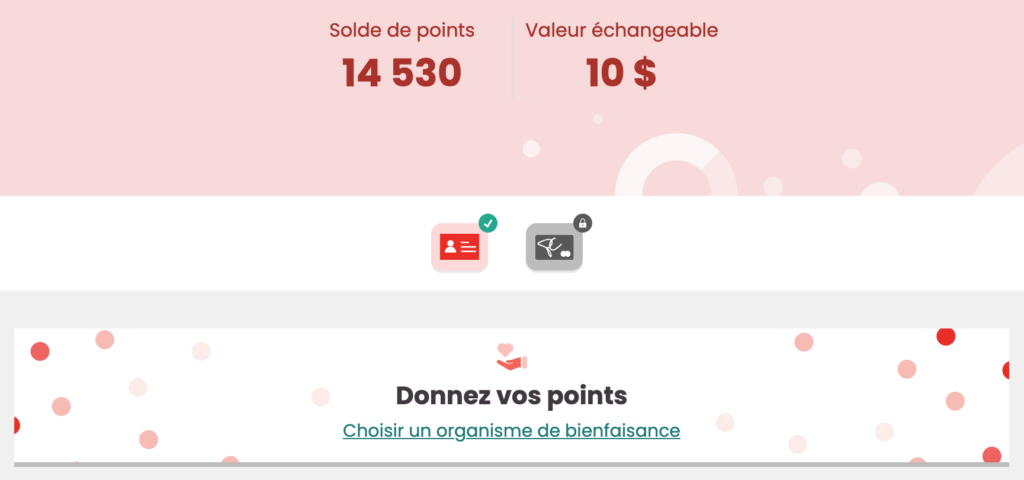
If you don’t have any need for your accumulated PC Optimum points and you’re feeling generous, you can donate your points to a charity.
To donate your PC Optimum points, follow these simple steps:
If you’re interested in maximizing the value you can get from your PC Optimum points, we recommend timing your redemptions with a PC Optimum Bonus Redemption Event.
These special redemption events typically happen a few times a year and often line up with big shopping days like Black Friday and Cyber Monday.
During a PC Optimum Bonus Redemption Event, you can earn bonus value when you redeem a set number of PC Optimum points.
Depending on how many points you’re redeeming, this could mean getting upwards of $100 in extra value just by timing your redemption to line up with a Bonus Redemption Event!

One of the best things about PC Optimum points is that they’re incredibly easy to earn.
You can earn PC Optimum points the following ways:
You can also check out our full guide to earning and redeeming PC Optimum points for all the details on how to maximize your PC Optimum points value so that you can save more.
| Credit card | Annual fee | Welcome offer | |
|---|---|---|---|
| $0 | |||
| $0 | |||
| $0 |
PC Optimum points are easy to earn thanks to the abundance of participating retail locations and the fact that the program is free to join!
Plus, by earning PC Optimum points when you shop at Loblaws-brand grocery stores, Shoppers Drug Marts, Pharmaprix, Esso, and JoeFresh, you’re setting yourself for future savings on groceries, household supplies, beauty items, and more.
If that’s not quite enough savings for you, you can also check out some of our other guides for more ways to save on everyday essentials like groceries:
For recurring spending (groceries, online purchases, restaurants), a cash back credit card makes a real difference. Use our credit card comparator to filter through 200+ Canadian offers, or browse the best credit cards in Canada, updated monthly by the Milesopedia team. To maximize your PC Optimum points, consider the PC World Elite Mastercard, which earns 30 points per dollar at Loblaw banner grocery stores, including Provigo and Maxi, and 45 points per dollar at Shoppers Drug Mart and Pharmaprix.
No, your PC Optimum points don’t expire. However, if your account is inactive for two years, it can be closed.
This means that you need to earn or redeem at least once every two years to keep your account active and to keep your points from disappearing.
To find out how many PC Optimum points you have, you can sign in to your PC Optimum account using your PCid. You’ll see your PC Optimum account balance as soon as you’re logged in.
Additionally, you can also find your PC Optimum points balance at the bottom of your receipts when you shop at a participating store and scan your membership card.
PC Optimum points generally need to be redeem in increments of 10,000, and each chunk of 10,000 points is typically worth $10 (unless there is a special redemption event at the time of redemption).
If you look at your account balance, you’ll find that the option to redeem will only become available once you reach this minimum redemption amount of points.
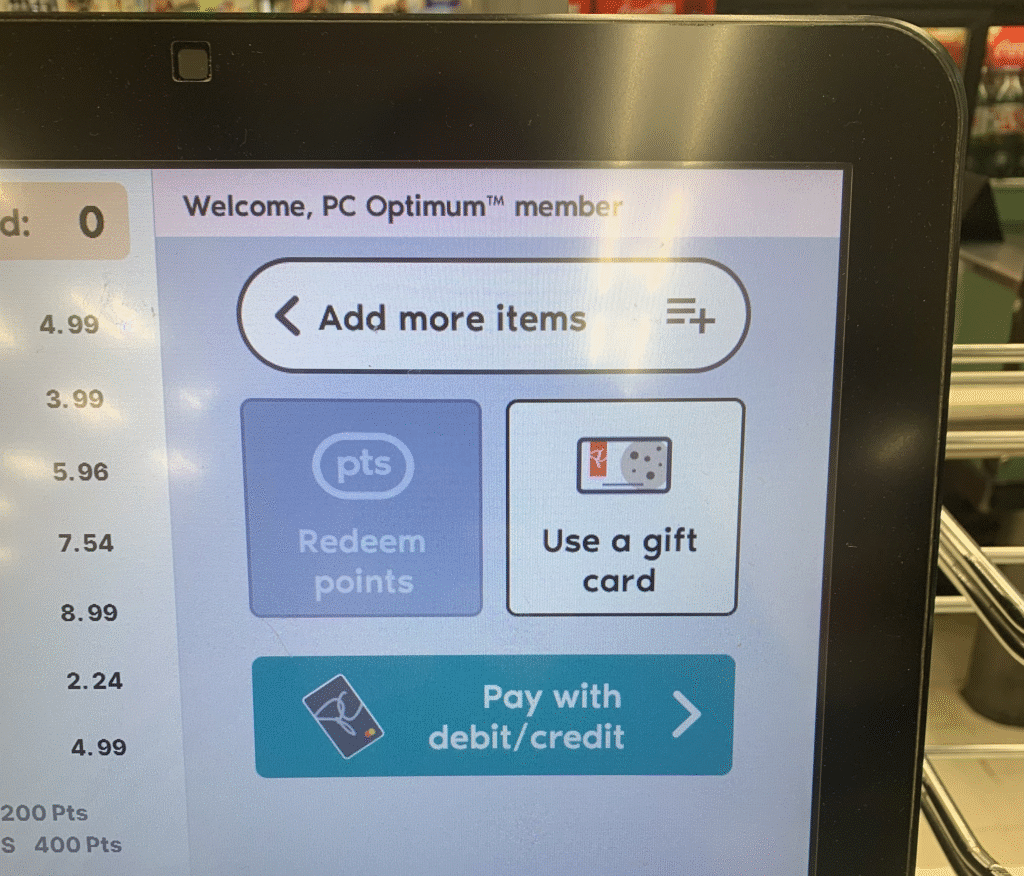
To redeem PC Optimum points at a self-checkout, scan your purchases and PC Optimum card as you normally would. When you reach the screen that lets you choose your payment type (e.g., credit/debit, gift card, etc.), you should also see an option to redeem your points.
This redemption option is available as long as you have 10,000 points in your account, as this is the minimum amount that you’re allowed to redeem. If you do not have 10,000 points in your account, this redemption option will not available and will likely appear greyed out.
To redeem PC Optimum points at No Frills, simply mention to the cashier that you’d like to use some of your points. You’ll need at least 10,000 points to enjoy this redemption option, and if you have this amount or more available, you can redeem 10,000 PC Optimum points for $10 off your groceries.
You can redeem your PC Optimum points at Esso for a discount on gas or for a free car wash.
To redeem, simply scan your PC Optimum card at the pump or in-store with the cashier and select/request to redeem your points. You can redeem 4,000 PC Optimum points for a discount of 10 cents per litre on up to 40L of gas, or 10,000 PC Optimum points for any available car wash. You are limited to one redemption per day at participating Esso stations, and this redemption is not available at Mobil.
on BMO's website
Our reviews and rankings are based on an objective assessment. Advertisers do not influence our content. We may receive compensation through some links; our analysis and opinions remain independent.