

Marriott Bonvoy Offers a New Way to Track Your Gift Cards

Marriott Bonvoy has a launched a new feature for all their member, giving anyone with a Marriott gift card the ability to save them in their accounts.
This new feature is a welcome change since it will help members better track their gift cards from various sources, and it’s designed to make redemptions considerably easier.
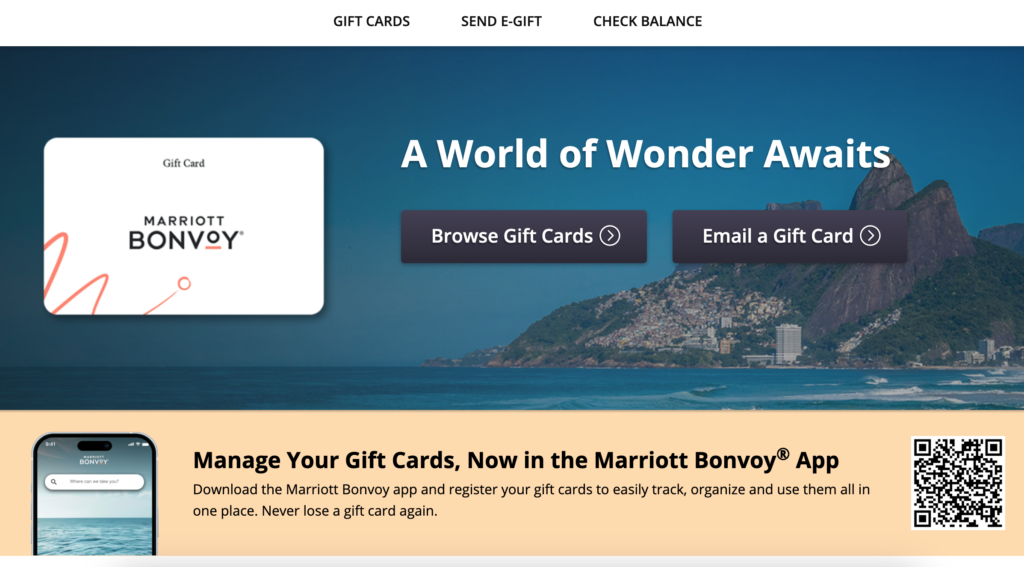
What’s New
Marriott Bonvoy has built a new way to save and track your gift cards directly in your Bonvoy account.
This new feature lets Bonvoy members add their collection of gift cards (whether physical gift cards or e-gift cards) for easy tracking and redemption.
Whether you’re a travel fanatic who’s family has giving you gift cards in the past, or whether you’ve taken advantage of previous Marriott gift card sales, many of us have a couple of these treasures lying around in a drawer or in our email inbox.
Now, thanks to Marriott’s new feature that lets you track your gift cards on the website or through the app, you no longer have to worry about misplacing any of these valuable items.
Easier Gift Card Redemptions Await
Redeeming Marriott Bonvoy gift cards has historically been more complicated than it should be.
Often front-desk staff have struggled to figure out how to redeem a gift card, and I’ve been told by on-site restaurants that they cannot be redeemed for food or drink (which was, in fact, not true).
Even in instances where I’ve confirmed over the phone that the gift card will work, the in-person experience has been hit-and-miss at best.
In terms of the new redemption process for Marriott gift cards added to your account, we’re told that it will simply involve opening your app, clicking « redeem » on your gift card, and then providing the gift card number and PIN to the Marriott staff member.
Although this sounds basically identical to how gift cards have been redeemed (or not) in the past, hopefully, with the new integration, Marriott staff, both at the front desk and across all amenities, will receive new training to help make the redemption experience smoother.
How to Add Gift Cards to your Marriott Bonvoy Account
Adding a gift card to your Marriott Bonvoy account is easy and convenient.
To start, you’ll need to sign in to your account and navigate to your « Profile. » From here, scroll down until you see the Gift Cards heading.
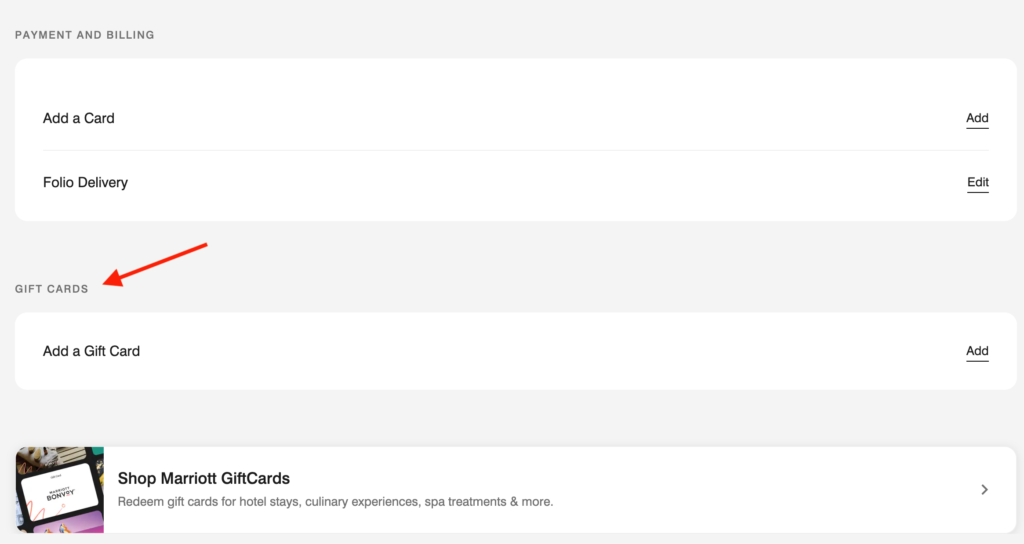
Then click « Add a gift card. »
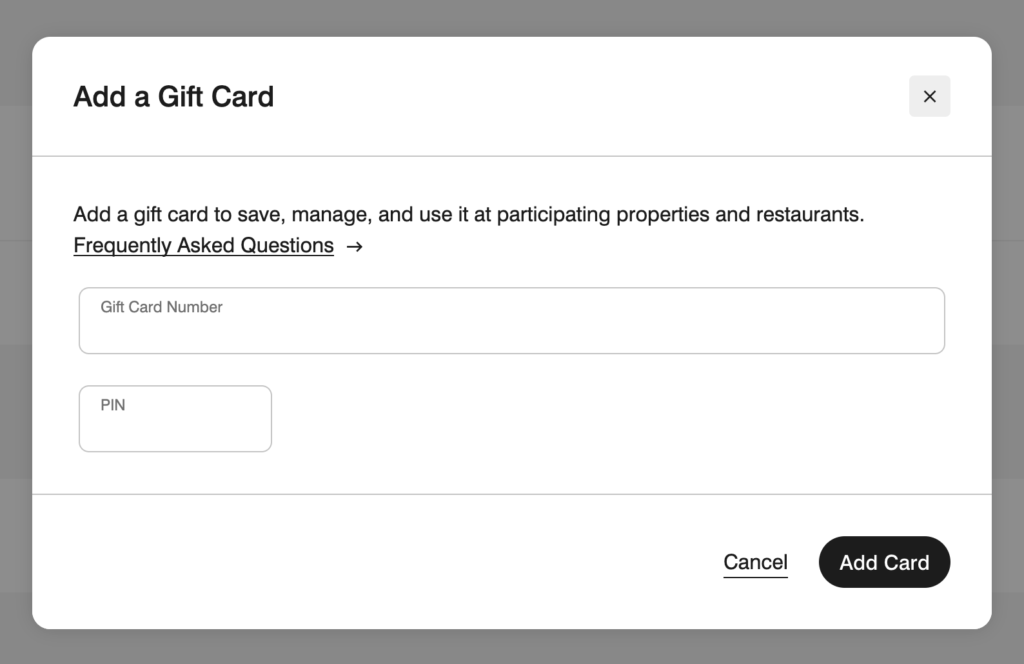
At this step, you simply need add the gift card number and PIN, click « Add Card, » and you’re all set.
Best Credit Card for Marriott Bonvoy Gift Cards
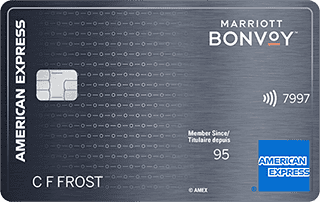
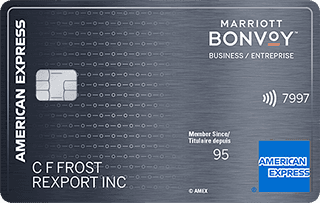
If you’re buying a gift card at a Marriott property or through the Marriott website, you’ll definitely want to use either the Marriott Bonvoy® American Express®* Card or the Marriott Bonvoy® Business American Express®* Card since these will both earn you 5 Marriott Bonvoy points per $1 spent.
Additionally, in the past, we’ve seen Amex Offers with these cards that give you a statement credit when you spend a certain amount at Marriott Properties (e.g., Get $100 statement credit when you spend $500). These can be a great opportunity to buy a gift card for the prescribed amount (which is essentially getting you a percentage discount) to be used for future stays at Marriott properties.
| Credit card | Annual fee | Welcome offer | |
|---|---|---|---|
| $120 | |||
| $150 |
Marriott gift cards are also available through lots of other merchants, both online and in-person (think of the big racks of gift cards you see near the check-out counters of most grocery stores).
For this type of gift card purchase, we recommend choosing a credit card as follows:
- One that offers a good earning rate for that store (e.g., the Scotiabank Passport Visa Infinite +* Card for Sobeys’ family of grocery stores, or the PC Financial World Elite Mastercard for Loblaws-brand stores).
- One where you’re working on hitting a spending requirement to earn a valuable welcome offer.
| Credit card | Annual fee | Welcome offer | |
|---|---|---|---|
| $150 | |||
| $0 |


Bottom Line
Marriott Bonvoy has simplified how their members can save and track their gift cards, making it easier to monitor balances and redeem at properties around the world.
To learn more about how to take your future Marriott stays to the next level, check out our guides on Marriott Bonvoy Elite Status and how to save with Marriott’s free night certificates.
FAQs
Where can I buy Marriott gift cards?
You can buy Marriott gift cards at most Marriott properties, online on Marriott’s website, and online/in-person with select retailers.
How do I add a Marriott Bonvoy gift card to my account?
To add a gift card to your Marriott Bonvoy account, just follow these steps:
- Sign in to your Marriott Bonvoy account
- Navigate to your « Profile »
- Scroll down to the « Gift Cards » heading and click « Add a Gift Card »
- Fill in the gift card number and PIN and click « Add »
How do I join Marriott Bonvoy?
Joining Marriott Bonvoy is easy. Simply go to the Marriott Bonvoy website and click « Join. »
You’ll need to add a bit of personal information for your account details and then you’ll be ready to earn Bonvoy points and enjoy member perks immediately.
Our featured card
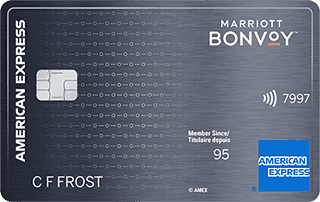

- Annual fee
- $120
- Our valuation
- $990Milesopedia first-year estimate First-year valueWelcome bonus$990Total$990Rewards on your spending are not included. The calculator that adds them from your own profile is on the card's page.
- Milesopedia first-year estimateFirst-year valueWelcome bonus$990Total$990Rewards on your spending are not included. The calculator that adds them from your own profile is on the card's page.
- Welcome offer
- Up to 110,000 points
- Ends Sep 22, 2026
on American Express's website
Apply with confidence — no impact on your credit scoreApply with confidenceCheck whether your application will be approved before you submit it, with no impact on your credit score*When you apply for a personal American Express Credit Card, we will tell you whether you are eligible without affecting your credit score. So you can apply with confidence.*Instant decisions are only available for consumer Card applications (also called “personal Cards”).
Our editorial integrity
Our reviews and rankings are based on an objective assessment. Advertisers do not influence our content. We may receive compensation through some links; our analysis and opinions remain independent.