The Best Credit Cards to Connect to QuickBooks Canada

Loading article…
Managing a company’s finances takes time. Fortunately, you can automate part of the work by connecting a compatible credit card to QuickBooks Canada. This sync imports transactions automatically, simplifies bank reconciliation and cuts down on data-entry errors. By choosing a business card suited to your spending, you can also earn more cash back or points.
In this guide, find out why connecting your credit card to QuickBooks Canada pays off. Whether you are self-employed, a small business owner or running a growing company, you will find the essentials to simplify your accounting while maximizing your rewards.
Connecting a business credit card to QuickBooks Canada saves time while improving the quality of your accounting. Rather than entering each transaction by hand, the software automatically imports purchases and payments from your compatible financial institution.
This automation cuts down on repetitive tasks and reduces the risk of errors. It also makes it easier to track spending, prepare financial statements and file tax returns.
For small business owners, self-employed workers and incorporated professionals, this sync often means several hours saved every month.
Thanks to the bank sync, your transactions show up in QuickBooks quickly. You can then file them under the right accounting categories, attach supporting documents and track how your spending evolves in real time.
That gives you a more accurate picture of your financial position, without waiting for month-end or year-end.

Bank reconciliation means checking that the transactions recorded in your books actually match those at your financial institution.
When your card is connected to QuickBooks, this step becomes much faster. The transactions are already imported, and usually all you need to do is confirm how they were categorized or make a few adjustments.
That reduces discrepancies and oversights, while making your financial reports more reliable.
Books that are up to date also make preparing your tax returns easier.
By categorizing your expenses throughout the year, you avoid long filing sessions before producing your business tax returns or your GST and QST returns.
You also hand your accountant better-organized data, which can cut the time spent reviewing your books.
QuickBooks Canada connects to many Canadian financial institutions so it can automatically import transactions from your bank accounts and credit cards.
Once the connection is set up, new transactions sync at regular intervals. You can then approve them, edit them or file them under the appropriate categories before they are folded into your books.
The process is designed to reduce manual entry while leaving you in control of validating transactions.
The connection runs directly between QuickBooks and your compatible financial institution. Depending on the bank, data refreshes may be automatic or may require you to reconnect occasionally to keep the sync running.
Before connecting your card, make sure your financial institution is among those supported by QuickBooks Canada.
In most cases, credit cards issued by the major Canadian financial institutions can be synced with QuickBooks, provided the bank supports the bank connection.
Compatibility depends mainly on the financial institution, however, not on the card itself. Two cards from the same bank generally use the same sync system.
Before applying for a new business credit card, take a few minutes to confirm that your institution is indeed compatible with QuickBooks Canada. That check can save you a fair bit of hassle later on.
Not every card compatible with QuickBooks offers the same value. Beyond the bank sync, several criteria can shape your choice depending on your company, your spending and your goals.
Here are the main things to weigh before you apply.
The first criterion is confirming that your financial institution is compatible with QuickBooks Canada. An excellent card loses part of its appeal if you have to import every transaction by hand.
So favour a card issued by an institution that offers a reliable, stable bank sync.
The best business credit cards often offer boosted rewards in certain categories.
Some, for instance, favour online advertising, telecommunications, gas, office supplies or business travel.
Go through your statements from the past few months to identify the categories where your company spends the most. That way you can choose a card whose rewards genuinely match your situation.
If several employees make purchases for the company, additional cards can quickly become essential. Before choosing, check what an employee card costs at each issuer: $0 to $250 a year.
They let you centralize spending on a single account while making it easier to track in QuickBooks. Some institutions also offer tools to set credit limits per user or review each cardholder’s spending.
These features simplify financial management and cut the time spent tracking business expenses.
Insurance should not be your only selection criterion, but it can represent significant value for some companies.
Depending on your needs, look in particular for:
If you travel regularly for business, these protections can spare you significant costs.
Finally, always weigh the annual fee against the benefits the card offers.
A card with a higher fee can still be very worthwhile if the rewards and insurance comfortably offset its cost.
Conversely, a company with modest spending might prefer a card with no annual fee or one offering straightforward cash back.
| Your profile | Card to favour |
|---|---|
| Self-employed | Simple card, little to no annual fee |
| Consultant | Rewards on software, telecommunications and everyday spending |
| Small business | Card with a strong return on your main business expenses |
| Company with several employees | Card offering additional cards and expense management tools |
| Company that travels often | Card focused on travel points and insurance |
Most major Canadian financial institutions let you connect their credit cards to QuickBooks Canada. So the best choice depends less on compatibility than on the rewards, fees and benefits that suit your company.
Here are the most interesting business credit cards by profile.
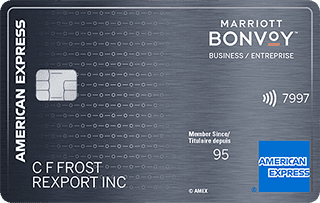
on American Express's website
Apply with confidenceCheck whether your application will be approved before you submit it, with no impact on your credit score*When you apply for a personal American Express Credit Card, we will tell you whether you are eligible without affecting your credit score. So you can apply with confidence.*Instant decisions are only available for consumer Card applications (also called “personal Cards”).
on RBC's website
on American Express's website
Apply with confidenceCheck whether your application will be approved before you submit it, with no impact on your credit score*When you apply for a personal American Express Credit Card, we will tell you whether you are eligible without affecting your credit score. So you can apply with confidence.*Instant decisions are only available for consumer Card applications (also called “personal Cards”).
on American Express's website
Apply with confidenceCheck whether your application will be approved before you submit it, with no impact on your credit score*When you apply for a personal American Express Credit Card, we will tell you whether you are eligible without affecting your credit score. So you can apply with confidence.*Instant decisions are only available for consumer Card applications (also called “personal Cards”).
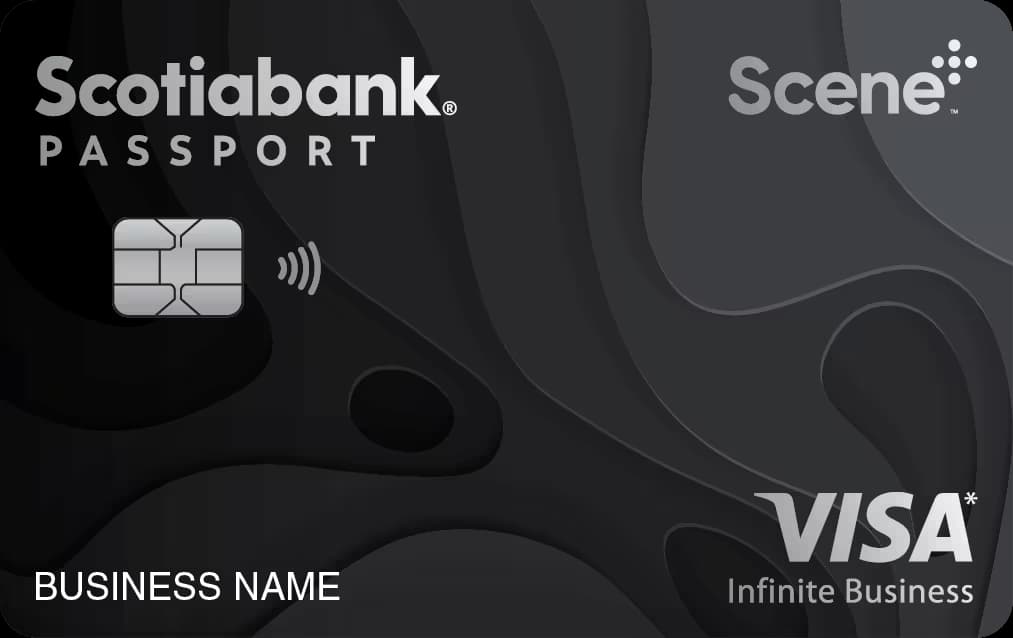
on Scotiabank's website
on American Express's website
Apply with confidenceCheck whether your application will be approved before you submit it, with no impact on your credit score*When you apply for a personal American Express Credit Card, we will tell you whether you are eligible without affecting your credit score. So you can apply with confidence.*Instant decisions are only available for consumer Card applications (also called “personal Cards”).
Beyond the technical specifications, here are the business-owner profiles each type of card generally suits best.
A small business generally has varied expenses and is looking for a card that strikes a good balance between rewards, benefits and expense management.
This card can suit companies that want to simplify their accounting with QuickBooks Canada while maximizing the value of their business purchases.
on American Express's website
Apply with confidenceCheck whether your application will be approved before you submit it, with no impact on your credit score*When you apply for a personal American Express Credit Card, we will tell you whether you are eligible without affecting your credit score. So you can apply with confidence.*Instant decisions are only available for consumer Card applications (also called “personal Cards”).
For small companies and self-employed workers, a card with no annual fee keeps costs down while maintaining a clear separation between personal and business spending. It is a simple way to connect your transactions to QuickBooks Canada.
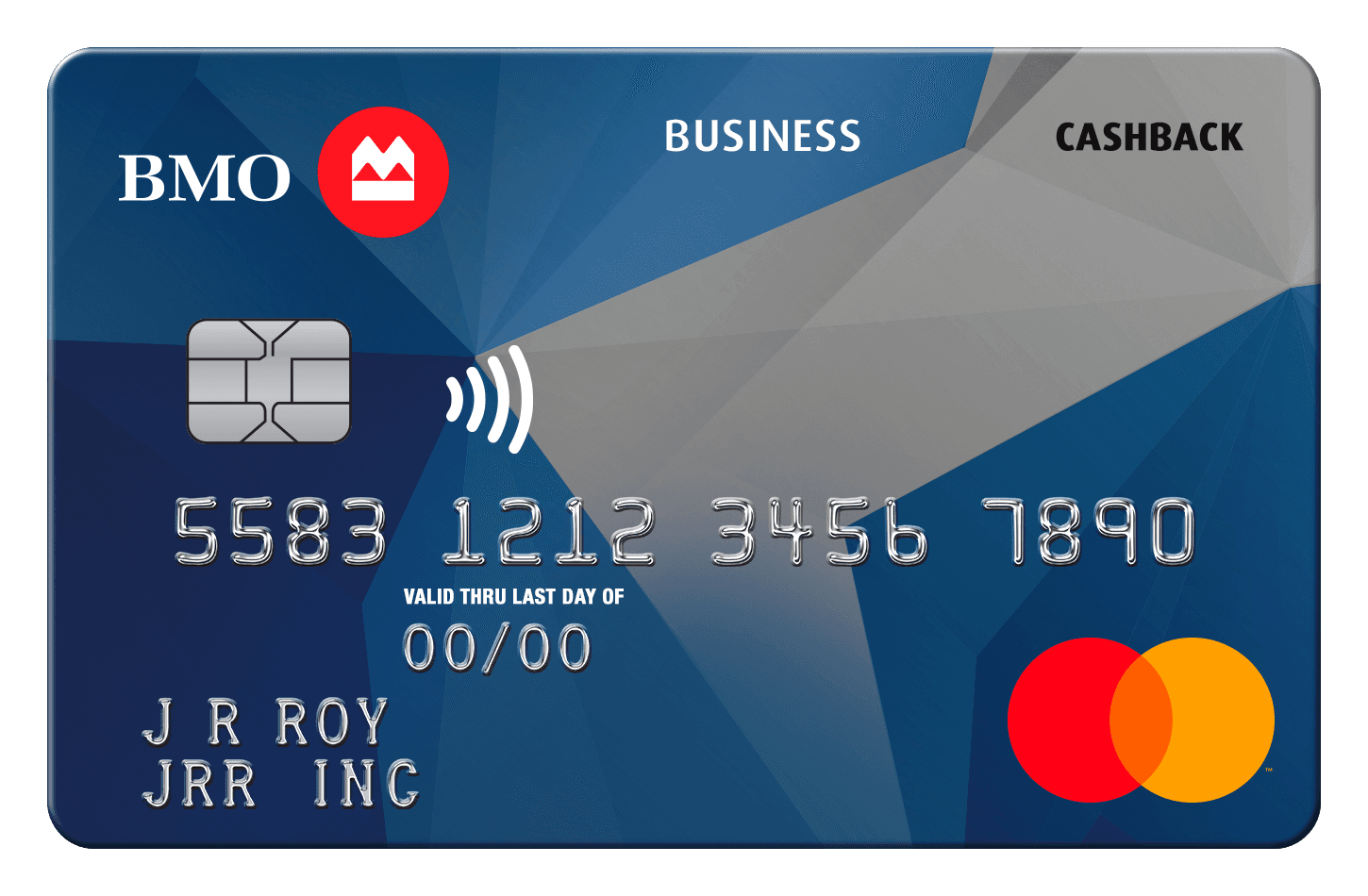
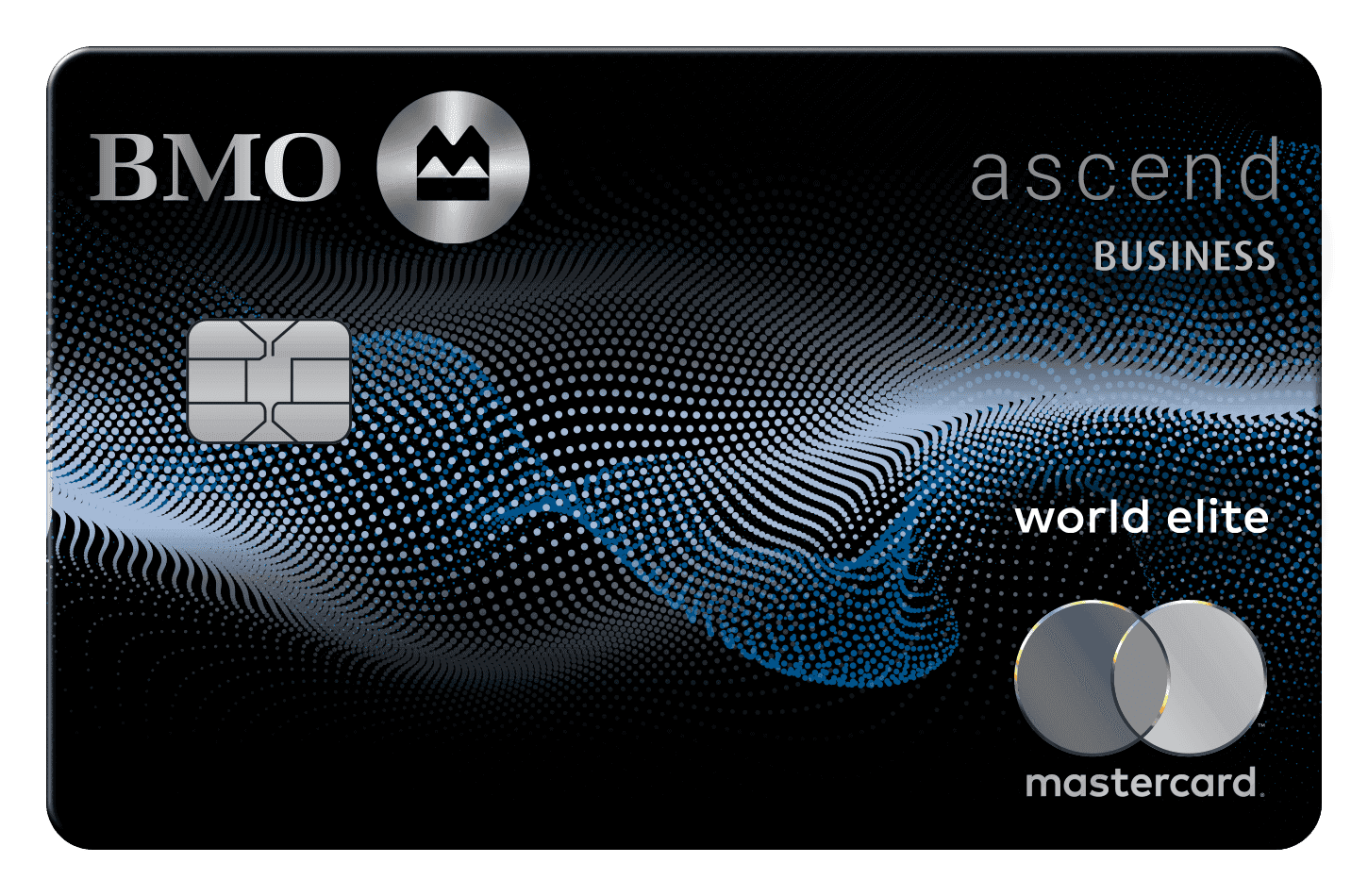
on BMO's website
Companies that travel regularly can benefit from a card offering rewards geared to business trips.
On top of making expenses easier to track in QuickBooks Canada, it can help you earn points on airfare, hotels and other travel-related costs.
on American Express's website
Apply with confidenceCheck whether your application will be approved before you submit it, with no impact on your credit score*When you apply for a personal American Express Credit Card, we will tell you whether you are eligible without affecting your credit score. So you can apply with confidence.*Instant decisions are only available for consumer Card applications (also called “personal Cards”).
Business owners who book hotels frequently may prefer a card specializing in hotel rewards.
By centralizing these expenses in QuickBooks Canada, it becomes simpler to track travel costs while enjoying additional perks.
on American Express's website
Apply with confidenceCheck whether your application will be approved before you submit it, with no impact on your credit score*When you apply for a personal American Express Credit Card, we will tell you whether you are eligible without affecting your credit score. So you can apply with confidence.*Instant decisions are only available for consumer Card applications (also called “personal Cards”).
A cash back card suits companies that prefer a simple, easy-to-use reward. It lets you recover part of your business spending while making it easier to track the transactions imported automatically into QuickBooks Canada.
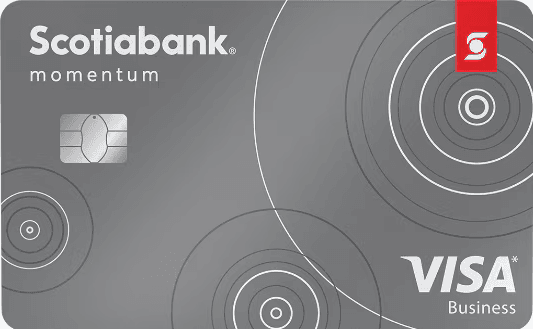
on Scotiabank's website
Companies that invest regularly in digital advertising can get more out of that spending with a card offering rewards geared to this category.
By connecting this card to QuickBooks Canada, it becomes simpler to track ad campaigns, categorize transactions and manage marketing spend.
on American Express's website
Apply with confidenceCheck whether your application will be approved before you submit it, with no impact on your credit score*When you apply for a personal American Express Credit Card, we will tell you whether you are eligible without affecting your credit score. So you can apply with confidence.*Instant decisions are only available for consumer Card applications (also called “personal Cards”).
Companies that spend regularly on supplies, equipment or administrative services may want a card offering rewards geared to those purchases.
The QuickBooks Canada connection then makes it easier to categorize and track these everyday expenses.
on BMO's website
Even with an excellent credit card, a few good habits make all the difference.
Mixing personal and business spending makes bookkeeping needlessly complicated.
By using a card reserved exclusively for your business, you simplify how transactions are categorized and reduce the risk of errors when reconciling your accounts.
The bank sync automates the import of transactions, but it does not replace a regular review.
Take a few minutes each week to confirm the accounting category of every transaction and attach any necessary supporting documents. This habit will save you a lot of time at month-end.
Even though transactions are imported automatically, receipts remain essential. Keep them in digital form and, where possible, attach them to the matching transactions in QuickBooks.
That will make internal reviews, and your accountant’s work, easier.
Do not wait until year-end to check your accounts. A monthly bank reconciliation lets you catch errors, duplicates or unusual transactions quickly.
That keeps your books up to date all year long.
Connecting a credit card to QuickBooks Canada is a simple way to automate part of your accounting, reduce administrative work and get better visibility into your company’s finances.
That said, QuickBooks compatibility should not be your only selection criterion. Rewards, annual fees, insurance, additional cards and your spending habits all play an important role in choosing the best business card.
By taking the time to compare the various options, you can simplify your financial management while maximizing the benefits your credit card offers.
If you are just getting started with this software, also see our complete guide to QuickBooks Online Canada, along with our comparison of the best business credit cards to choose a solution suited to your needs.
Most major Canadian financial institutions can be connected to QuickBooks. Before applying for a new card, however, check that your bank supports the bank sync.
Yes. QuickBooks generally lets you connect several cards and bank accounts, which makes it easier to manage different sources of spending.
A business card is generally preferable. It makes it easier to separate business and personal spending, which simplifies bookkeeping.
Yes. The connection is designed to import your transactions into QuickBooks. It does not allow purchases to be made or your card settings to be changed.
Depending on your financial institution, you may need to reconnect your account. Also check QuickBooks notices regarding the bank connection.
The best choice depends mainly on your spending. A card with no annual fee, or one offering rewards on everyday expenses, is often an excellent option.
on American Express's website
Apply with confidenceCheck whether your application will be approved before you submit it, with no impact on your credit score*When you apply for a personal American Express Credit Card, we will tell you whether you are eligible without affecting your credit score. So you can apply with confidence.*Instant decisions are only available for consumer Card applications (also called “personal Cards”).
Our reviews and rankings are based on an objective assessment. Advertisers do not influence our content. We may receive compensation through some links; our analysis and opinions remain independent.