

American Express: How can I use my annual travel credit?
- Beginner

To use your American Express Annual Travel Credit, log in to your Amex account, open the Travel section, and book a flight, hotel, or car on the American Express Travel website, then check the box to apply the credit. It will be posted to your account within 24 to 48 hours.
American Express Annual Travel Credit – Eligible American Express cards
American Express Canada offers an annual travel credit on several credit cards:
- $100 annual travel credit with the American Express® Gold Rewards Card
- $200 annual travel credit with the American Express Platinum Card®
- $200 annual travel credit with the Business Platinum Card® from American Express
This travel credit is like a gift every year: you use it to reduce the cost of your booking. For example, your next $300 hotel room will cost $100 after applying your $200 travel credit.
Here’s how to use the annual travel credit on these American Express cards.
| Credit card | Annual fee | Welcome offer | |
|---|---|---|---|
| $799 | |||
| $799 | |||
| $250 |


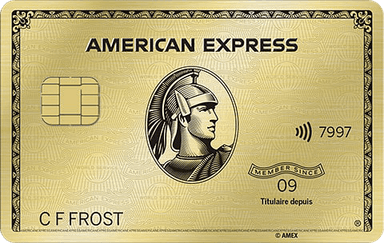
What is the American Express Annual Travel Credit?
The annual travel credit is available immediately when you sign up for the American Express® Gold Rewards Card, the American Express Platinum Card®, or the Business Platinum Card® from American Express.
Then, this annual travel credit is added to your account each year when your annual fee renews.
American Express Annual Travel Credit – Online booking
You must use this annual travel credit on the American Express Travel website to book:
- A hotel;
- An airline ticket;
- A car rental;
- At Fine Hotels + Resorts, Small Luxury Hotels, and The Hotel Collection properties.
To use your American Express Annual Travel Credit, you will need to go to American Express’s online travel agency. Log in to your online American Express account.
Once there, click Menu / Travel / Book a trip.
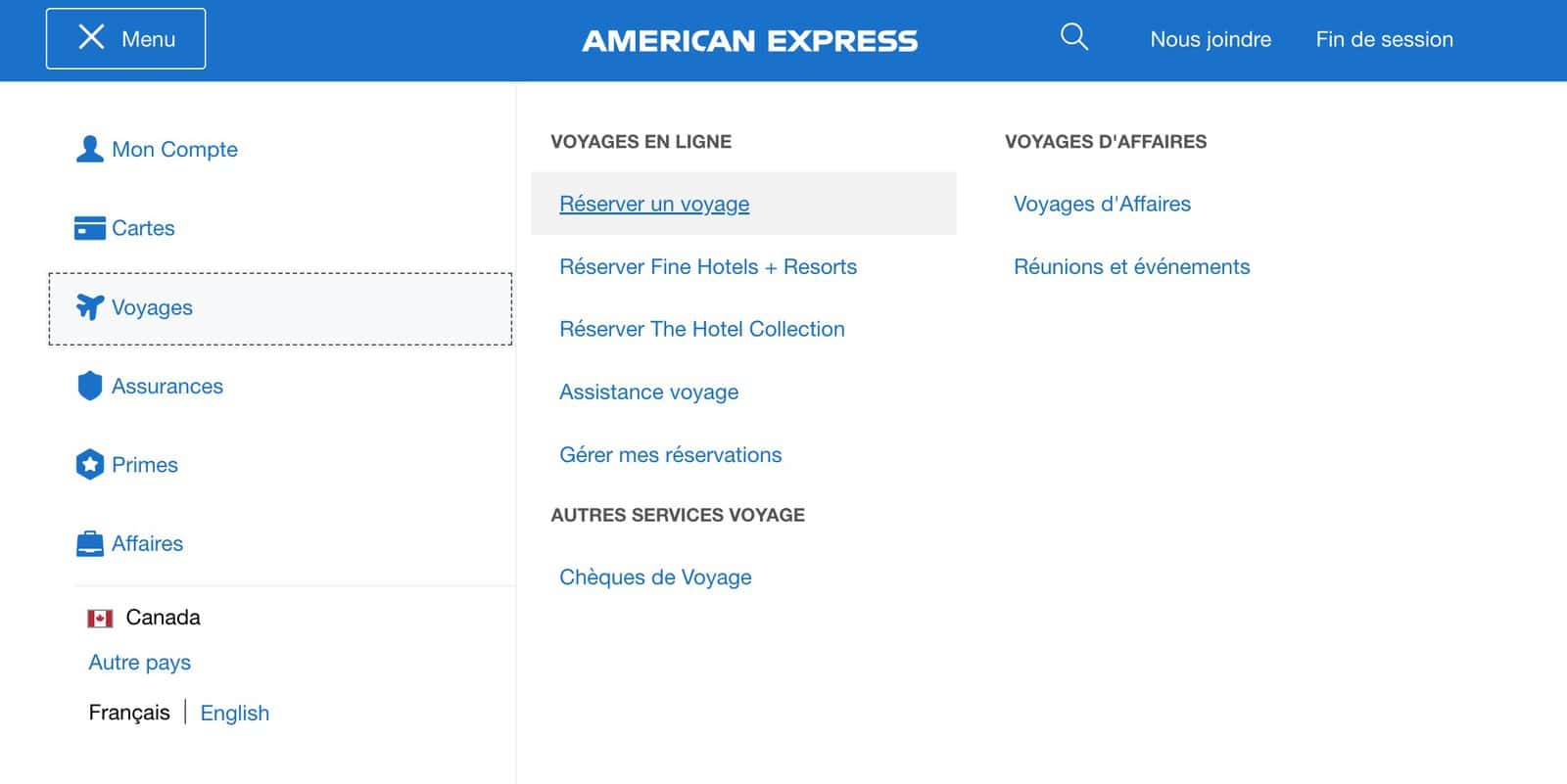
This will redirect you to the American Express travel agency. You may need to log in again with your credentials. If you are having trouble and it does not work in French, try in English.
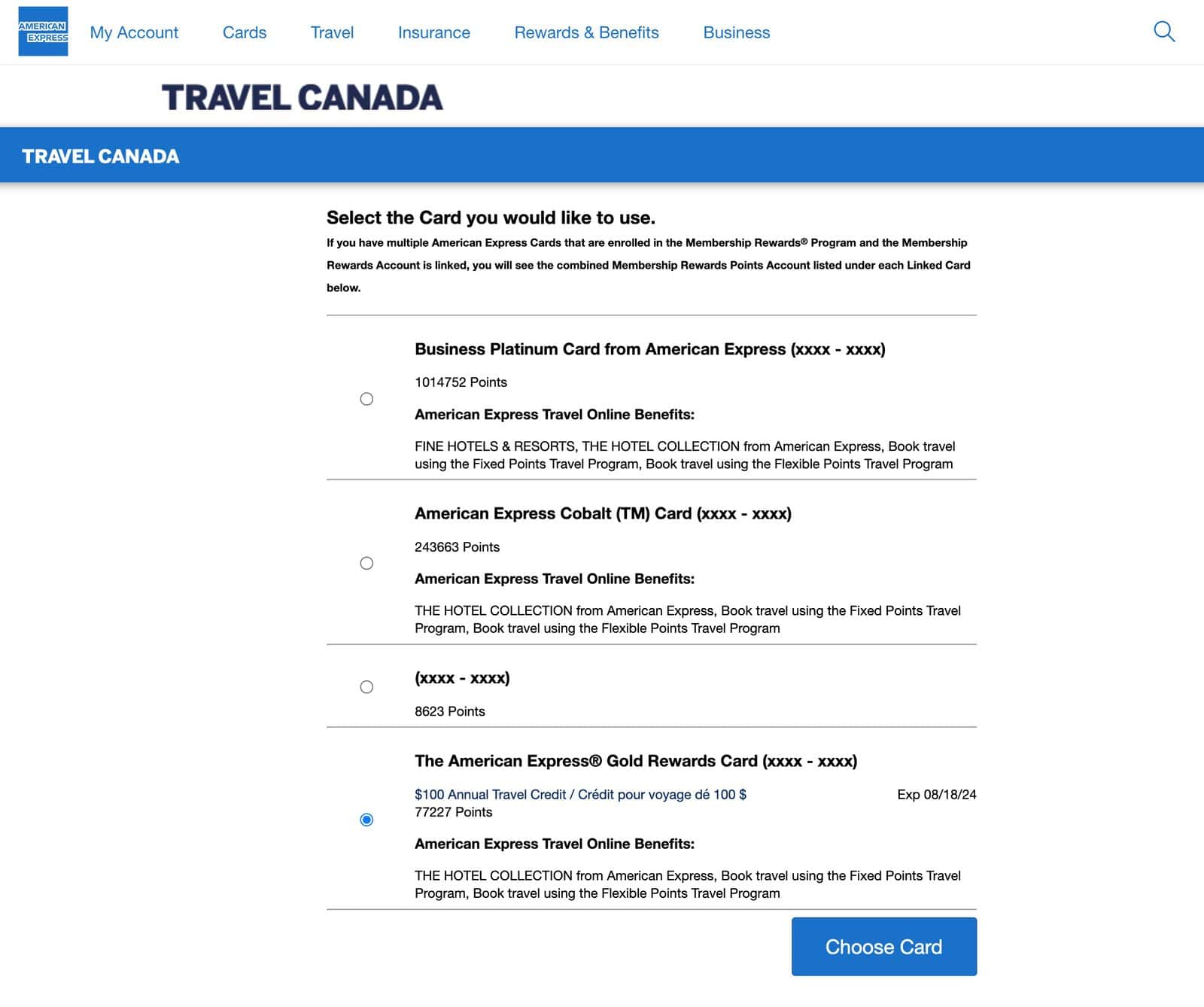
If you have multiple American Express cards, you will be asked to choose which one you want to use for your travel booking. Here, for example, I’m using the $100 annual travel credit that comes with the American Express® Gold Rewards Card.
Next, all you have to do is search for the trip, hotel, flight, or car you want to use your American Express Annual Travel Credit. Below, I’m using the example of a refundable hotel.
Once on the booking page, scroll down and check the appropriate box to apply your American Express Annual Travel Credit to the total amount of your booking.
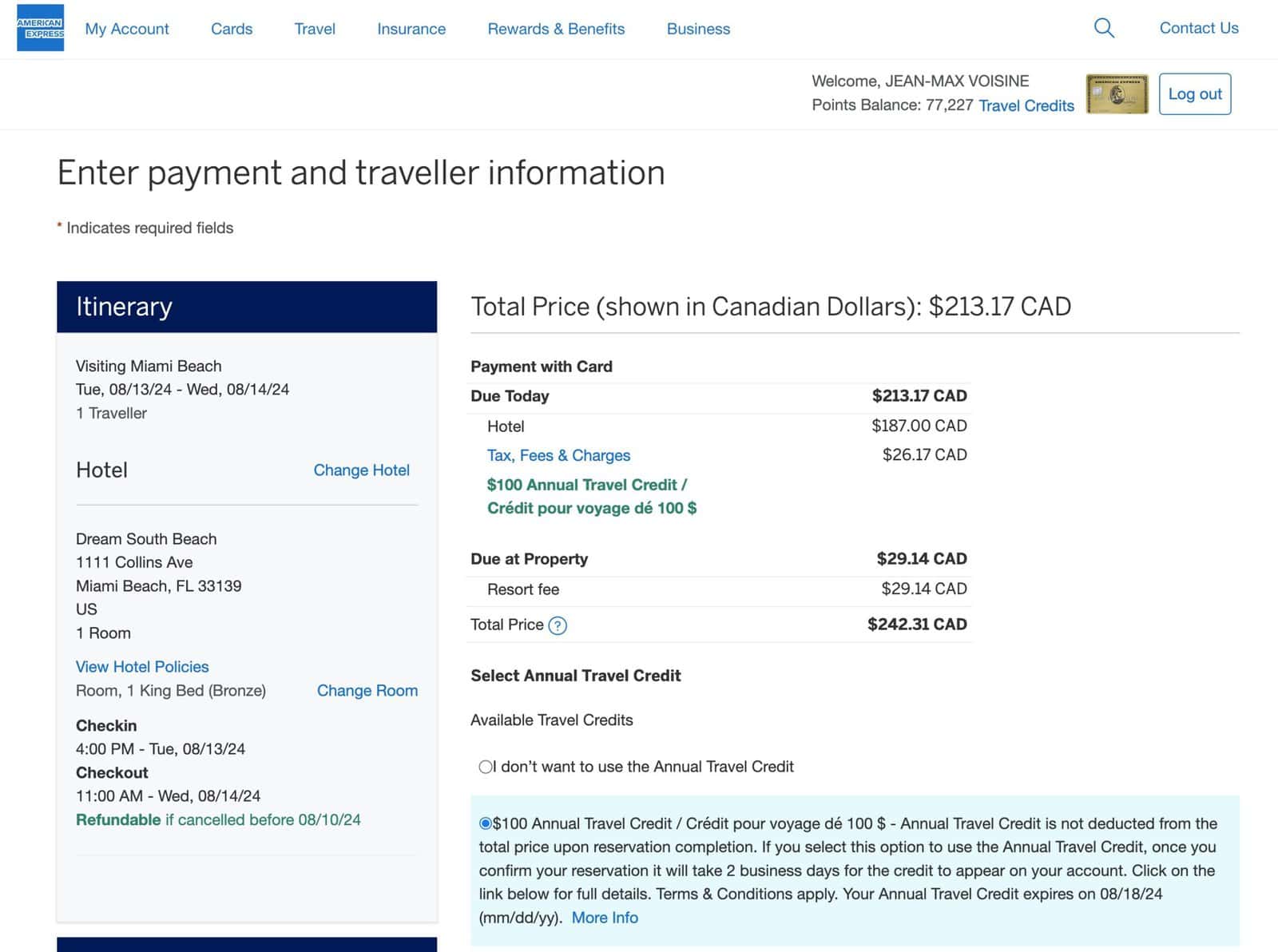
The American Express Annual Travel Credit will be posted to your American Express Card account within 24 to 48 hours after the booking. In general, the annual travel credit will appear even before the charge for your trip!
American Express Annual Travel Credit – Customer service
You must call American Express Travel Services at 1-800-611-1100, contact them by email (OLCO@aexp.com), or reply to the same email address that sent you your booking confirmation.
You can also start a chat session to discuss it with a customer service representative.
Amex and your annual travel credit on your account
The annual travel credit that comes with certain American Express cards is a benefit to use every year. It allows you to effectively reduce the cost of your annual fee!
| Credit card | Annual fee | Welcome offer | |
|---|---|---|---|
| $799 | |||
| $799 | |||
| $250 |
How do I redeem my American Express travel credit in Canada?
Book an eligible flight, hotel, or car rental on the American Express Travel website while logged in, then check the box to apply your annual travel credit at checkout. The credit is applied automatically and appears on your account within 24 to 48 hours. See our ranking of the best American Express Membership Rewards cards.
What income is required to get an American Express card?
No minimum income is required to apply for an American Express credit card.
This is true even for premium cards like the American Express® Gold Rewards Card or the American Express Platinum Card®.
What is the best American Express card?
Do you travel a lot? If so, the American Express Platinum Card®, with its travel benefits, is for you.
Otherwise, do you spend very often at restaurants, bars, or grocery stores? The American Express Cobalt® Card would be the best, with 5 points per dollar at these merchants.
To earn points faster for free hotel nights, you need the Marriott Bonvoy® American Express®* Card.
To Go Further with American Express Membership Rewards Points
To maximize your Membership Rewards points accumulation, consult our complete guide to the American Express Membership Rewards program as well as our ranking of the best American Express Membership Rewards credit cards, updated monthly by the Milesopedia team.
Our featured card
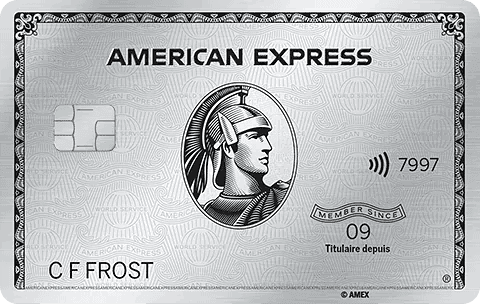

- Annual fee
- $799
- Our valuation
- $1,700Milesopedia first-year estimate First-year valueWelcome bonus$1,700Total$1,700Rewards on your spending are not included. The calculator that adds them from your own profile is on the card's page.
- Milesopedia first-year estimateFirst-year valueWelcome bonus$1,700Total$1,700Rewards on your spending are not included. The calculator that adds them from your own profile is on the card's page.
- Welcome offer
- Up to 100,000 points
on American Express's website
Apply with confidence — no impact on your credit scoreApply with confidenceCheck whether your application will be approved before you submit it, with no impact on your credit score*When you apply for a personal American Express Credit Card, we will tell you whether you are eligible without affecting your credit score. So you can apply with confidence.*Instant decisions are only available for consumer Card applications (also called “personal Cards”).
Our editorial integrity
Our reviews and rankings are based on an objective assessment. Advertisers do not influence our content. We may receive compensation through some links; our analysis and opinions remain independent.