

Our Review On NordVPN And The Best Current Offers

NordVPN is growing in popularity among travellers and people who want to access content restricted by location.
With its advanced options, flexible subscriptions and regular promotions, this VPN provider is a reliable option for protecting your data and accessing content anywhere in the world.
Learn how to use NordVPN, its key features, the different subscription plans and the current offers.


My review of NordVPN
Personally, I have been using NordVPN for over a year. Since I travel a lot, I often connect to public networks, whether in hotels or cafés. In my case, a VPN is essential to protect my personal information, especially my bank accounts.
I also use NordVPN while travelling to access Canadian content without any geographic restrictions. I have not noticed any change in speed when the VPN was active. I can make video calls and watch shows without any issues or slowdowns.
I took out a two-year subscription, which cost me CA$140 (about CA$6 per month). This VPN is one of my digital nomad essentials, along with an eSIM card, a password manager and cloud storage.
How to use NordVPN?
NordVPN’s user interface is quite intuitive and easy to use. Here is a step-by-step guide on how to connect to a server in the country of your choice. We use Canada as an example here.
Basic features
First, create an account on the NordVPN website. Then choose your subscription and install the app on the device of your choice. For Apple computers, you can either download the software from the NordVPN website or download the app directly from the App Store.
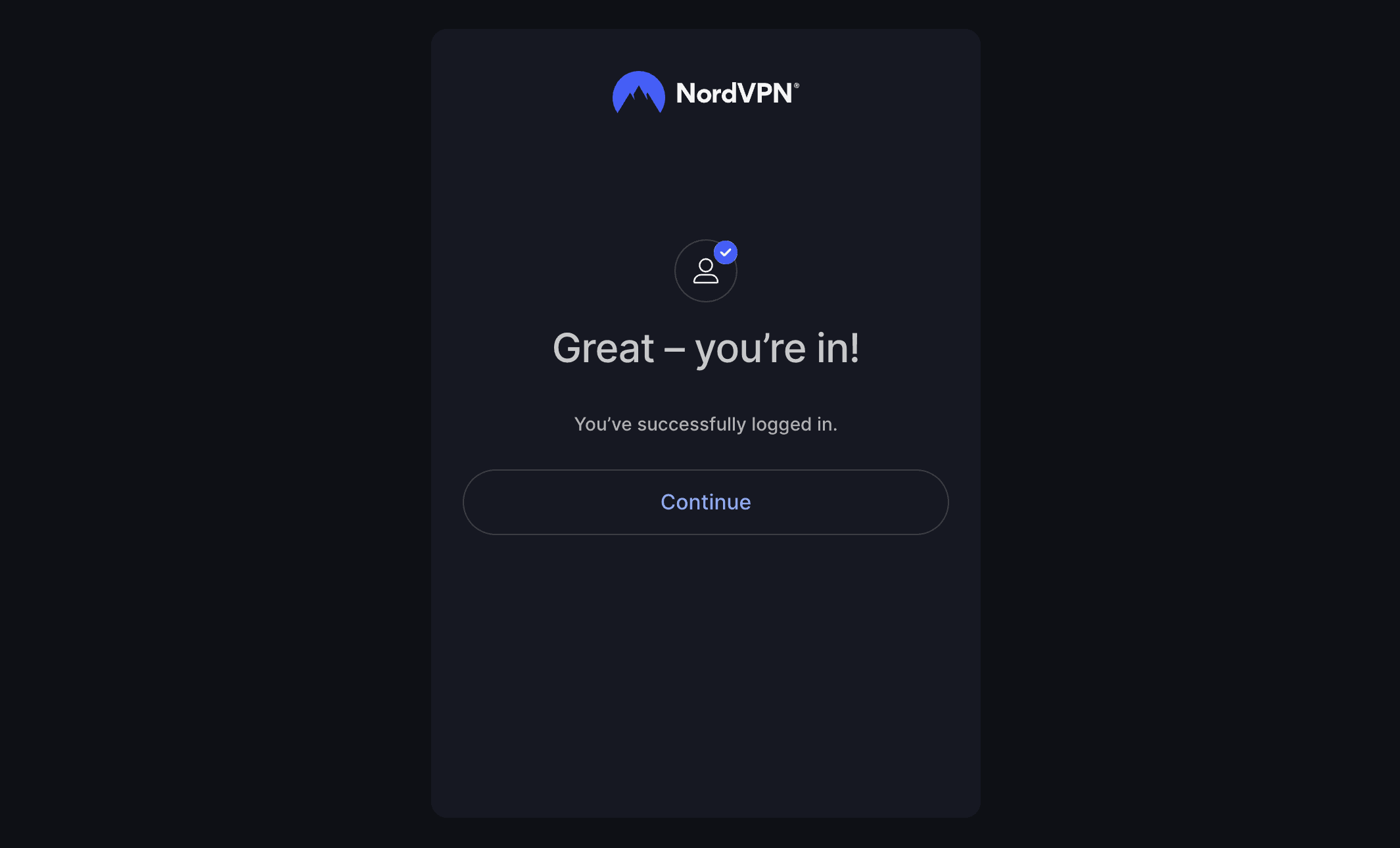
Once the software is launched, click Log in. Your browser will then open a window to enter your login details. You will then be automatically redirected to the app.
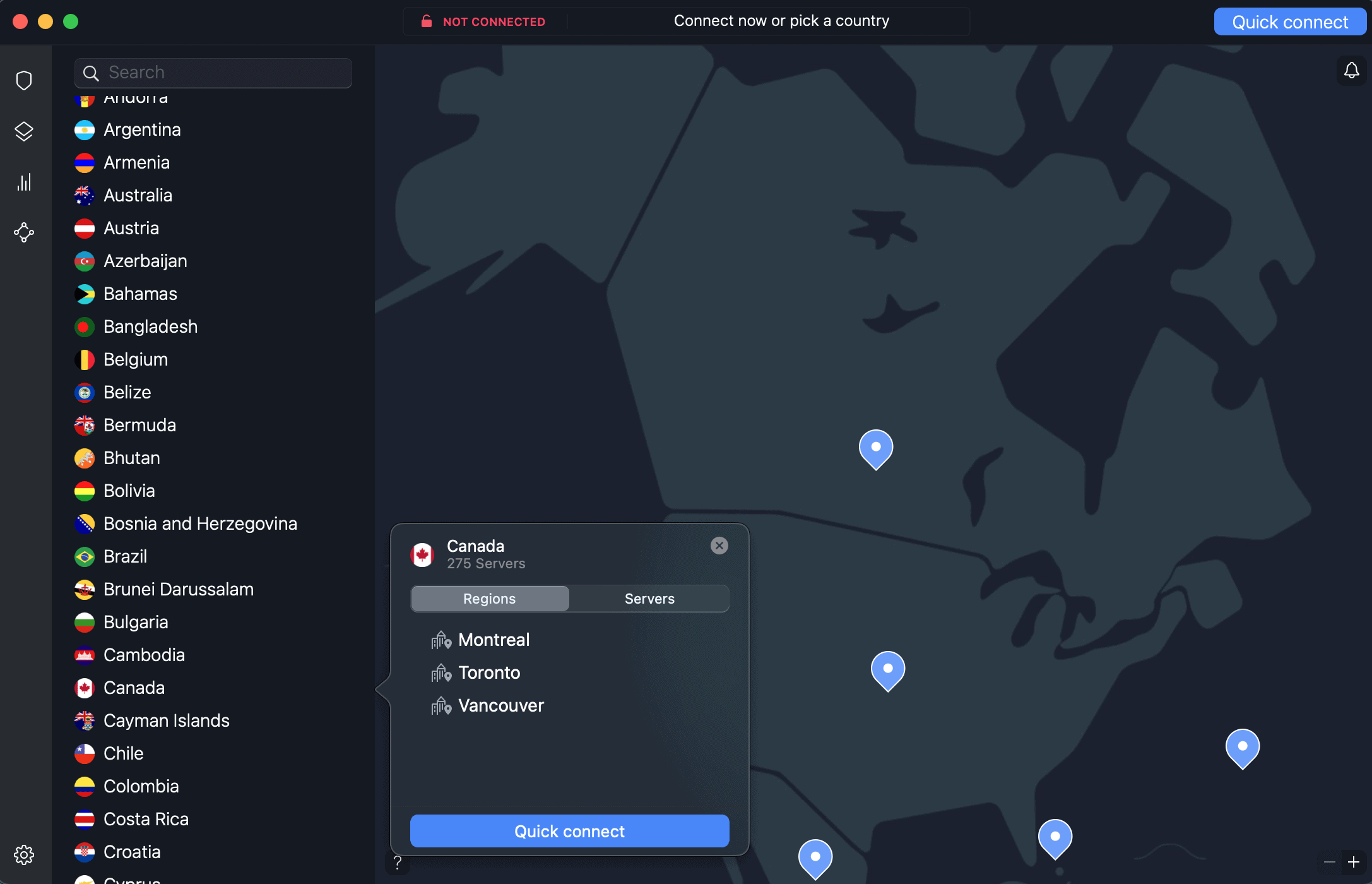
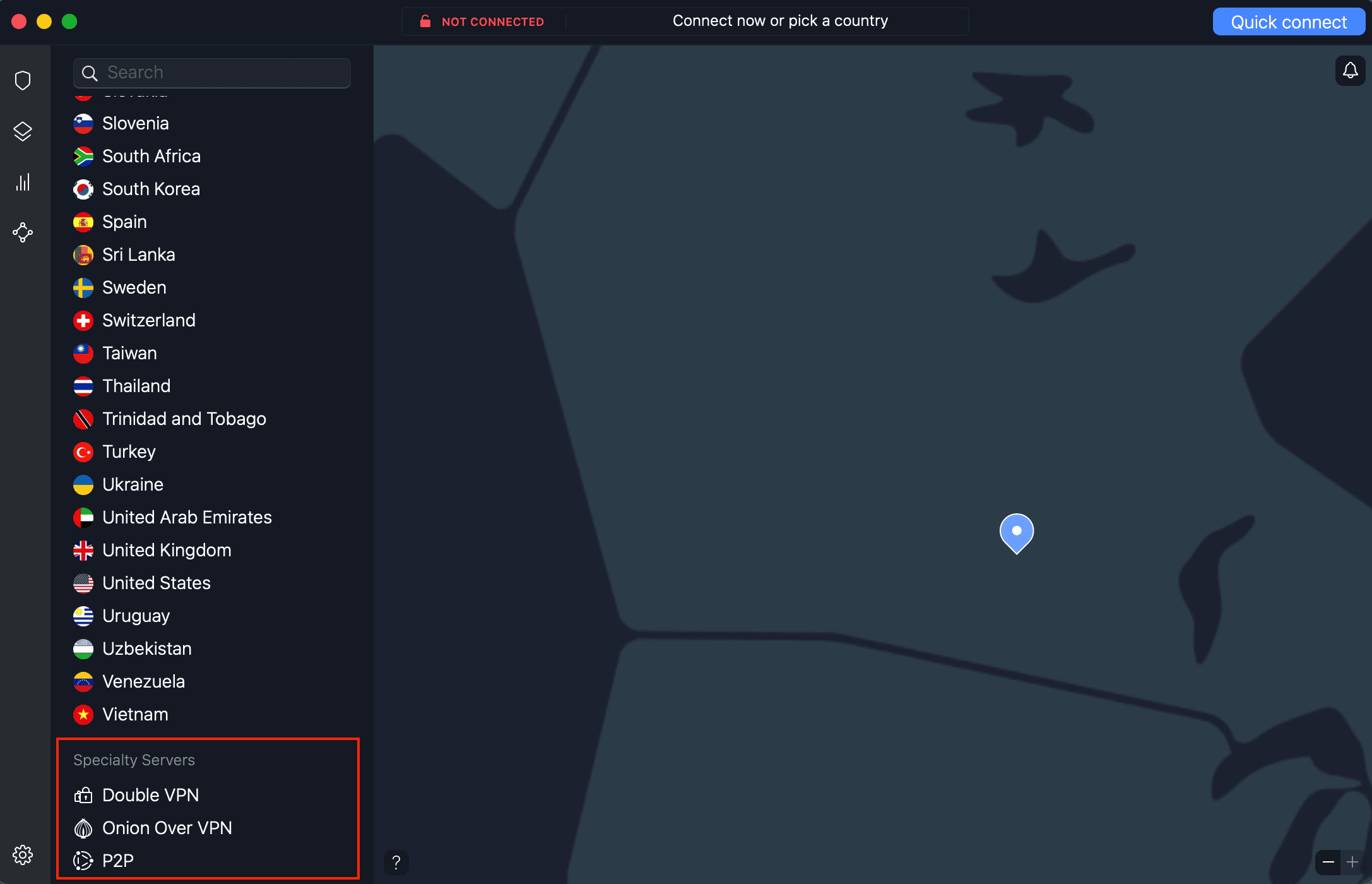
In the left sidebar, you will find the list of countries available for connection. To select a specific city or region, hover over the line for the country in question and click the three dots on the right. A menu will then open with server options.
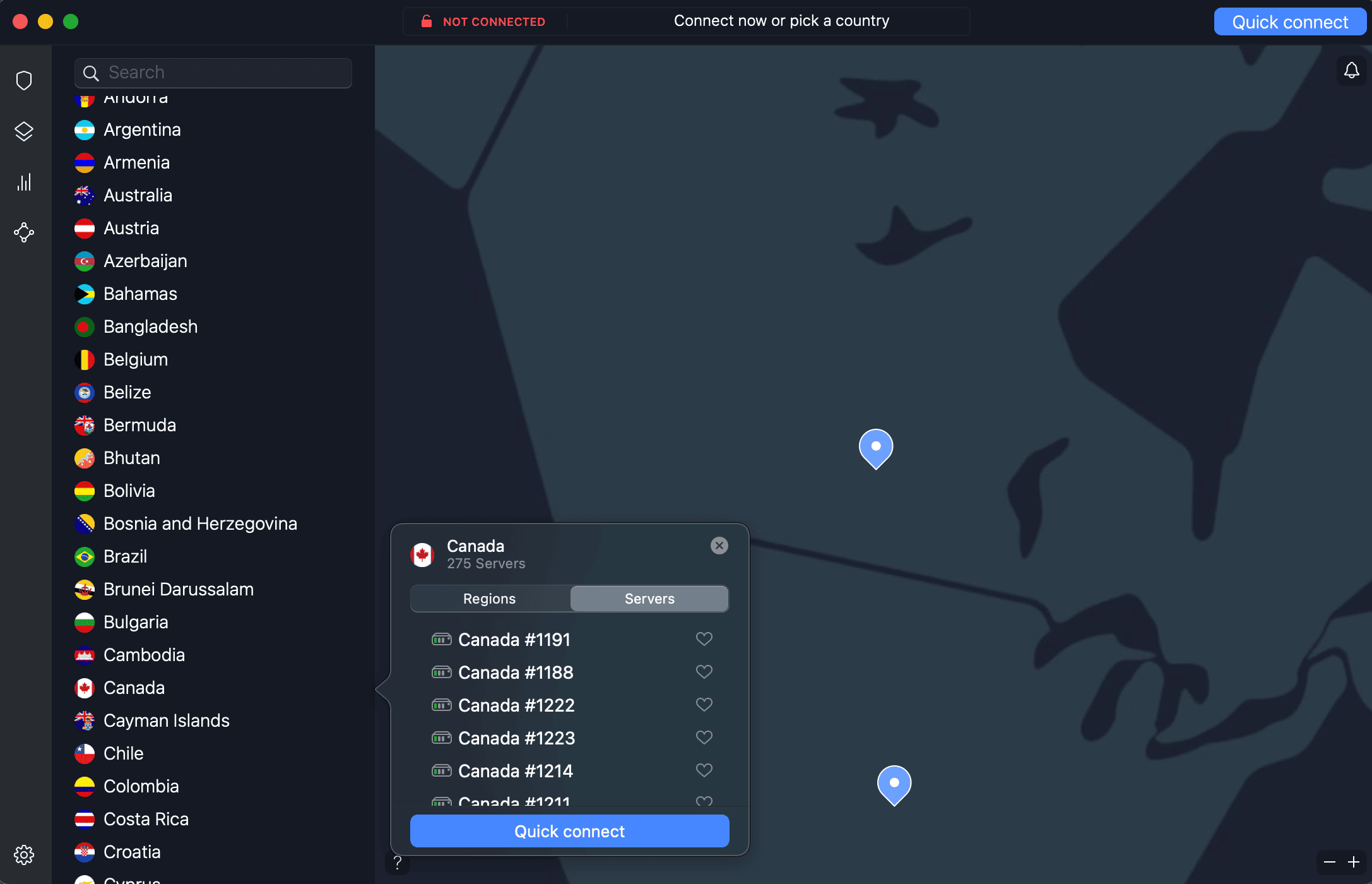
In the Servers tab, you will see the detailed list of available servers. You can choose a specific one if you wish.
Finally, you can also simply click Quick connect. NordVPN will then assign you the best server based on your current location.
Alternatively, you can connect to a server located in another country by simply clicking the desired country in the menu or on the map.
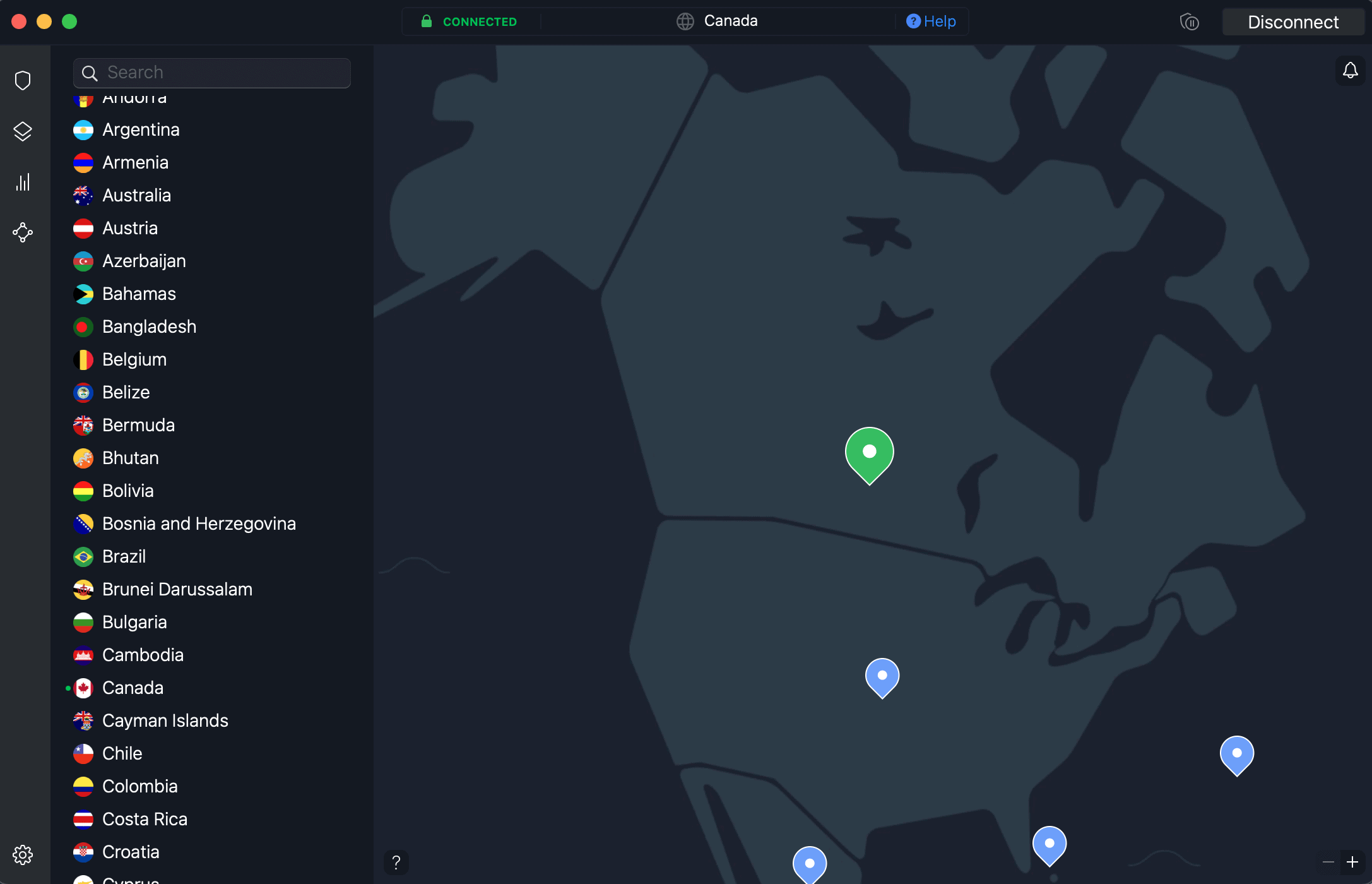
And that’s it! You are now connected to a secure server, and your data will remain protected while you browse.
To disconnect, click Disconnect at the top right of the window.
Advanced features
For users who want additional options, NordVPN offers:
- CyberSec: A feature that blocks ads, malicious sites and cookies;
- Double VPN: Routes your traffic through two servers for enhanced security;
- Dark Web Monitor: Monitors the dark web to detect potential leaks of your personal data and alert you quickly;
- Onion Over VPN: Combines the security of NordVPN with the Tor network for ultra-anonymous browsing by passing through multiple layers of encryption;
- Split Tunneling: Choose which apps use the VPN and which connect directly to the Internet.
Specialty servers are located at the end of the country list. In the Speciality Servers section, you will find Double VPN, Onion Over VPN and P2P. Simply click the desired server and NordVPN will automatically connect you to the best location based on your needs.
NordVPN – Subscription plans
NordVPN subscriptions come in three options: one month, one year or two years. You will get better value by taking out an annual or two-year subscription. The longer the term, the bigger the discount.
NordVPN offers three different plans, depending on the features:
- Basic: a secure and ultra-fast VPN, up to 10 devices connected simultaneously, with protection against scams and phishing and Dark Web Monitoring (up to 5 email addresses);
- Premium: everything in the Basic plan, plus Dark Web Pro Monitoring, protection against fraudulent calls, antivirus and anti-malware, ad and tracker blocker, a password manager, and 1 TB of cloud storage;
- Ultra: everything in the Premium plan, plus Incogni, the tool that removes your personal data from databases.
With the 2-year subscription, which includes 3 free months, the monthly rate is $4.39 CAD for the Basic plan, $5.69 CAD for Premium, and $8.29 CAD for Ultra. The 1-year and 1-month subscriptions cost more per month.
Federal and provincial sales taxes must be added to the total price.
NordVPN – Discounts, offers and coupons
NordVPN subscriptions are often on sale. In addition, annual and 2-year subscriptions cost 60% or 75% less than the monthly subscription.
With the Milesopedia offer, you will also get an eSIM with Saily in addition to your NordVPN subscription.
Conclusion
NordVPN offers a complete solution to protect your data, bypass geographic restrictions and ensure secure browsing. With its wide range of options and flexible plans, it meets everyone’s needs.
Also, with our special Milesopedia offer, enjoy a free Saily eSIM with your NordVPN subscription.
Frequently asked questions about NordVPN
How can I get NordVPN for free?
NordVPN offers a 30-day trial period, allowing you to test its features at no cost. If you are not satisfied, you can request a full refund.
What is the best plan for NordVPN?
The 2-year plan is generally the best choice for optimal value for money, offering a very competitive monthly rate. If you are looking for more flexibility, the annual plan is still an excellent option with a good balance between cost and term.
What is the price of a NordVPN subscription?
The price of a NordVPN subscription varies depending on the term you choose:
- Monthly Plan: approximately $18.79 CAD per month
- Annual Plan: approximately $6.89 CAD per month (billed annually, approximately $82 CAD for 12 months)
- Two-year plan: approximately CA$4.39 per month, with 3 months free (billed as a single payment of approximately CA$118 for 27 months)
Does NordVPN always offer discounts?
NordVPN regularly offers discounts, especially during promotions such as Black Friday, Cyber Monday, the holiday season, back-to-school and more. You can also often find discounts on long-term subscriptions with the two-year plan.
Our featured card
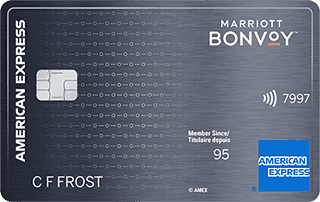

- Annual fee
- $120
- Our valuation
- $990Milesopedia first-year estimate First-year valueWelcome bonus$990Total$990Rewards on your spending are not included. The calculator that adds them from your own profile is on the card's page.
- Milesopedia first-year estimateFirst-year valueWelcome bonus$990Total$990Rewards on your spending are not included. The calculator that adds them from your own profile is on the card's page.
- Welcome offer
- Up to 110,000 points
- Ends Sep 22, 2026
on American Express's website
Apply with confidence — no impact on your credit scoreApply with confidenceCheck whether your application will be approved before you submit it, with no impact on your credit score*When you apply for a personal American Express Credit Card, we will tell you whether you are eligible without affecting your credit score. So you can apply with confidence.*Instant decisions are only available for consumer Card applications (also called “personal Cards”).
Our editorial integrity
Our reviews and rankings are based on an objective assessment. Advertisers do not influence our content. We may receive compensation through some links; our analysis and opinions remain independent.